Protolabs
protolabs.com
Manufacturing websites serve different buyers: a homeowner comparing products, an engineer checking capabilities, or a team planning a complex industrial project. These eight captured examples span building products, heating, filtration, digital manufacturing and aerospace. Compare how the opening proposition, product imagery and next step work together, then examine the navigation and detail pages on the source website. The notes discuss design choices and tradeoffs; screenshots record a point in time and do not verify current specifications, availability or commercial claims.
Open a website to explore the full capture and design details.
protolabs.com
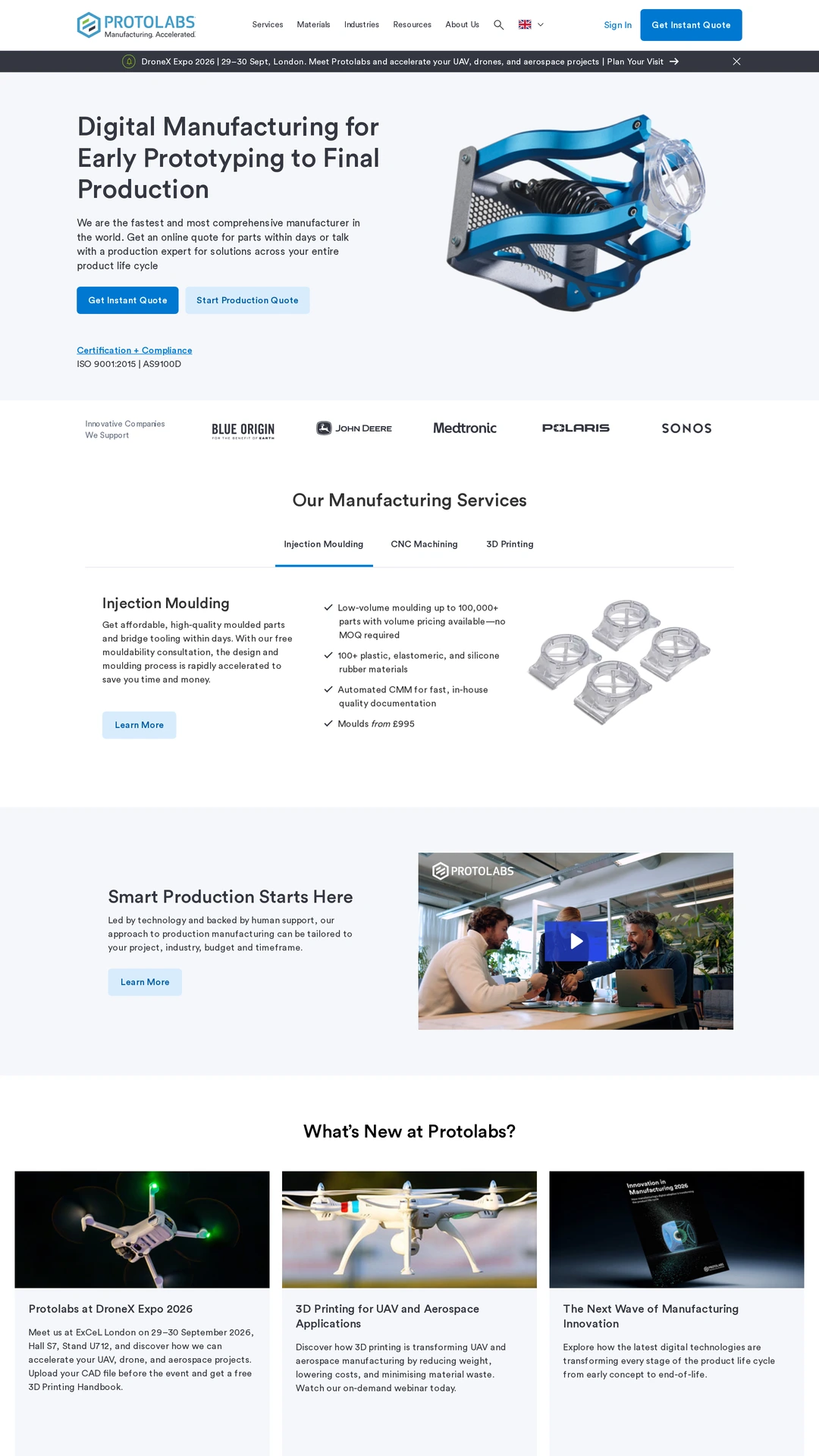
A rendered component sits beside a concise manufacturing proposition and two quote actions. The distinction between an immediate quote and a production quote gives different project stages a visible route. Service tabs, certification links and customer logos add supporting structure. Several strong calls to action compete in the opening area, so their relative priority deserves attention.
marley.co.uk
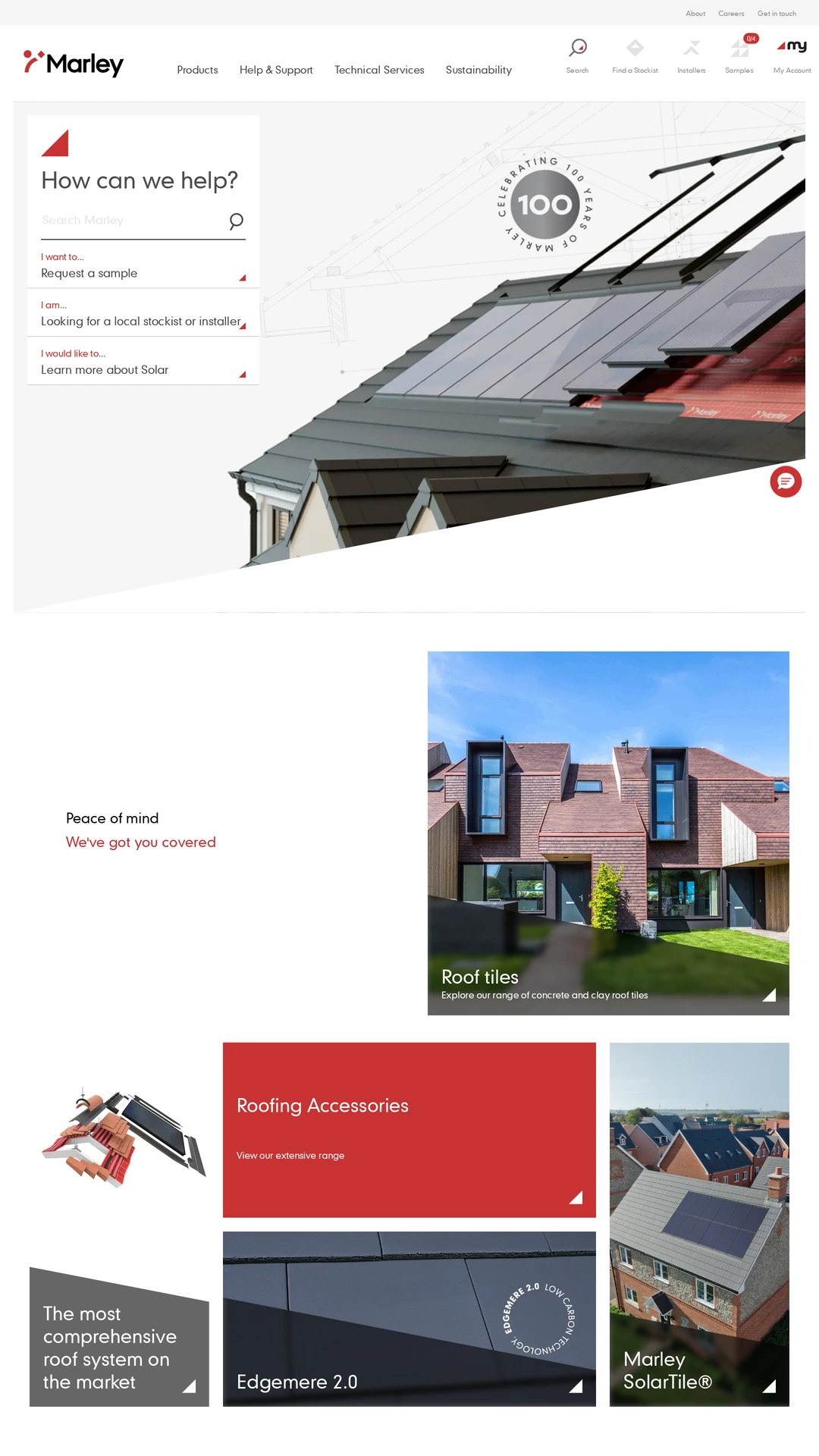
A task-based help panel shares the hero with a large roofing illustration. Sample requests, installer discovery and solar information are presented as practical starting points before the product mosaic below. Red accents connect navigation and product panels. The extensive header offers useful shortcuts but creates a dense first impression for someone unfamiliar with the range.
velux.co.uk
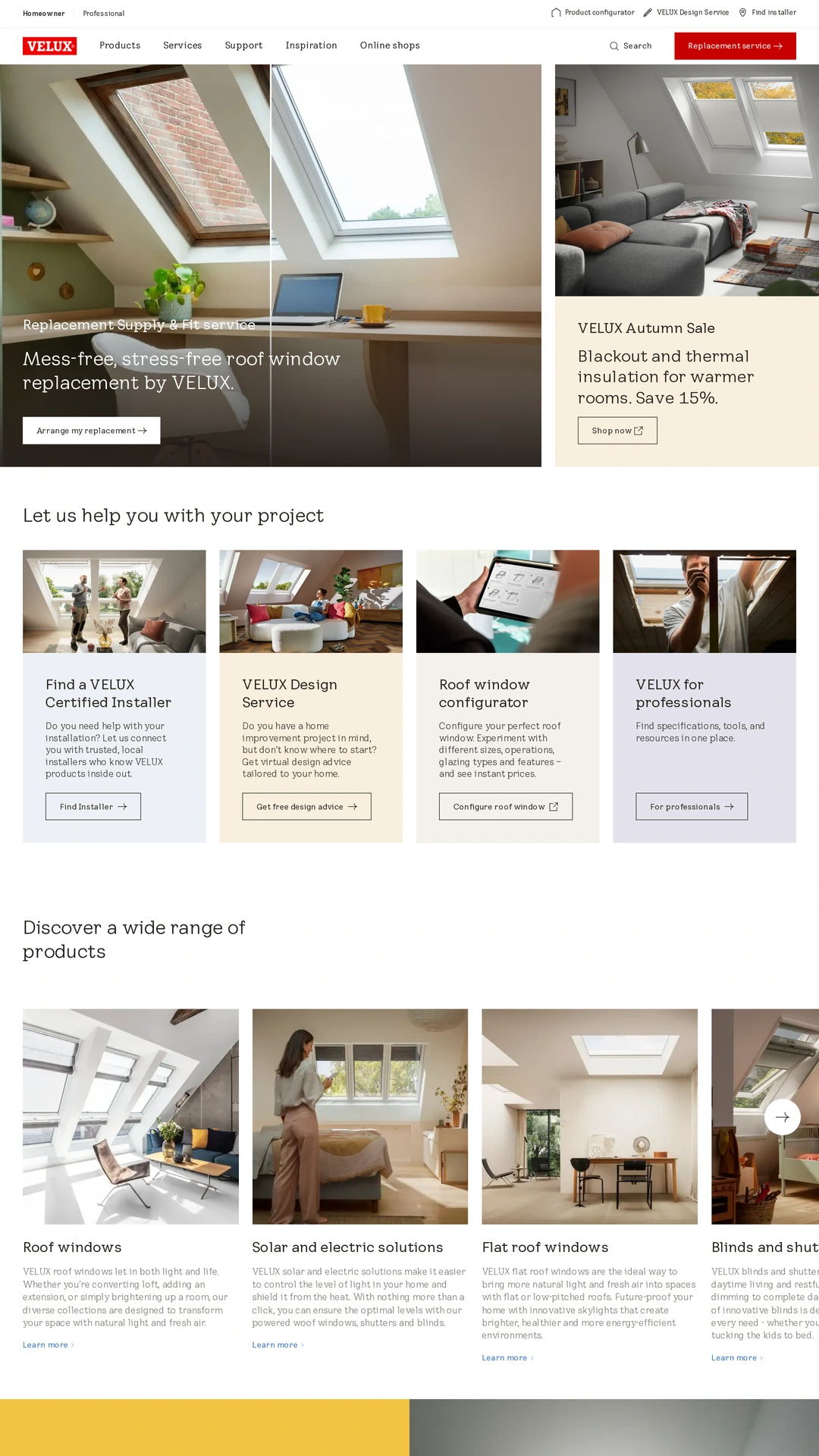
Room photography shows the products in use, while a separate project-help row offers installer, design, configuration and professional routes. Homeowner and professional navigation make the audience split explicit. This connects visual inspiration with practical next steps; the simultaneous replacement and sale promotions also show the difficulty of balancing multiple priorities in one hero.
chiohd.com
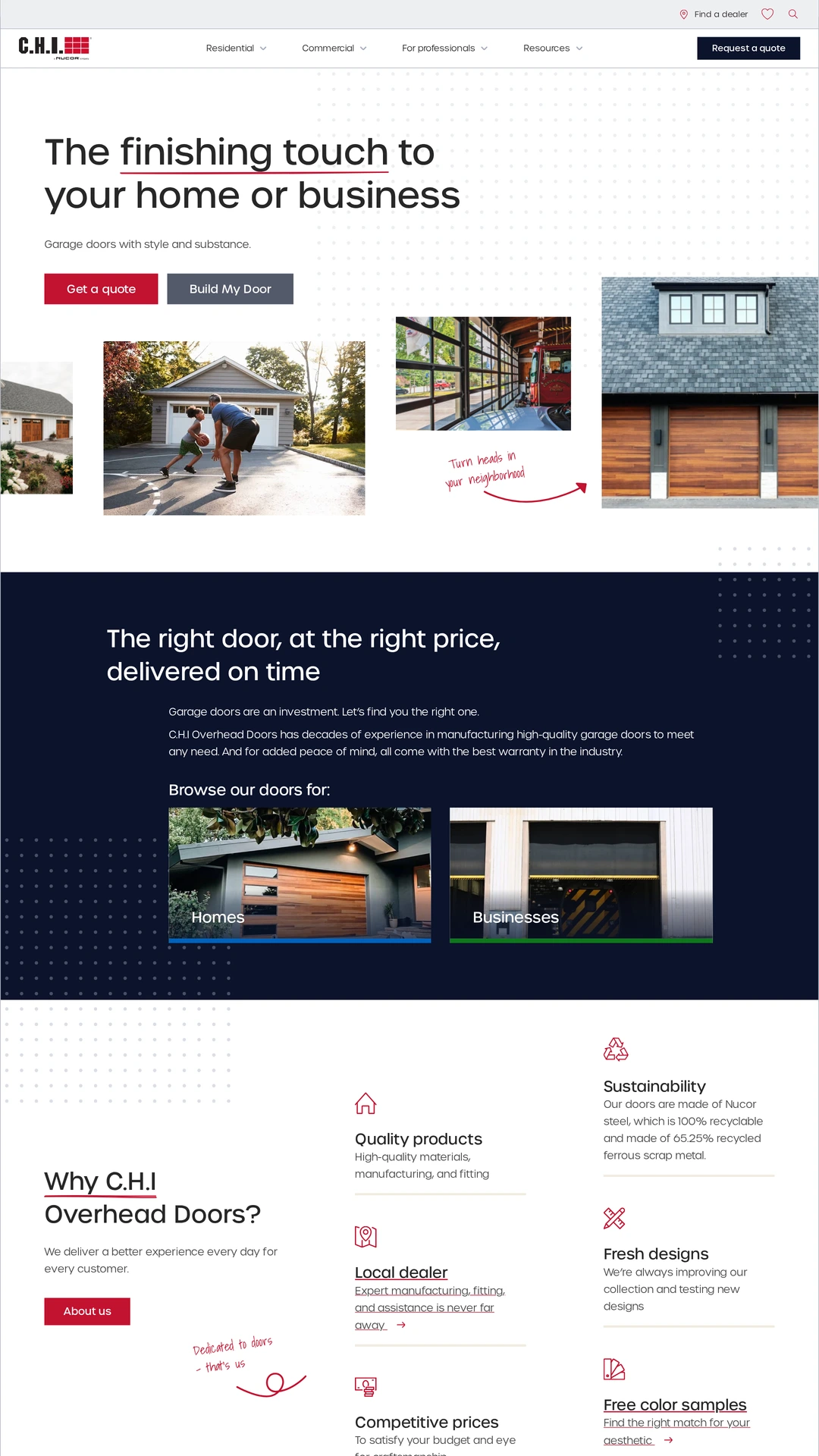
Residential imagery, a product-building action and a quote action establish a clear opening. A darker section then separates home and business browsing. Red annotations and simple line icons soften the industrial subject without obscuring the product photographs. The benefit area is information-rich, so the hierarchy between product discovery, dealer support and company claims needs care.
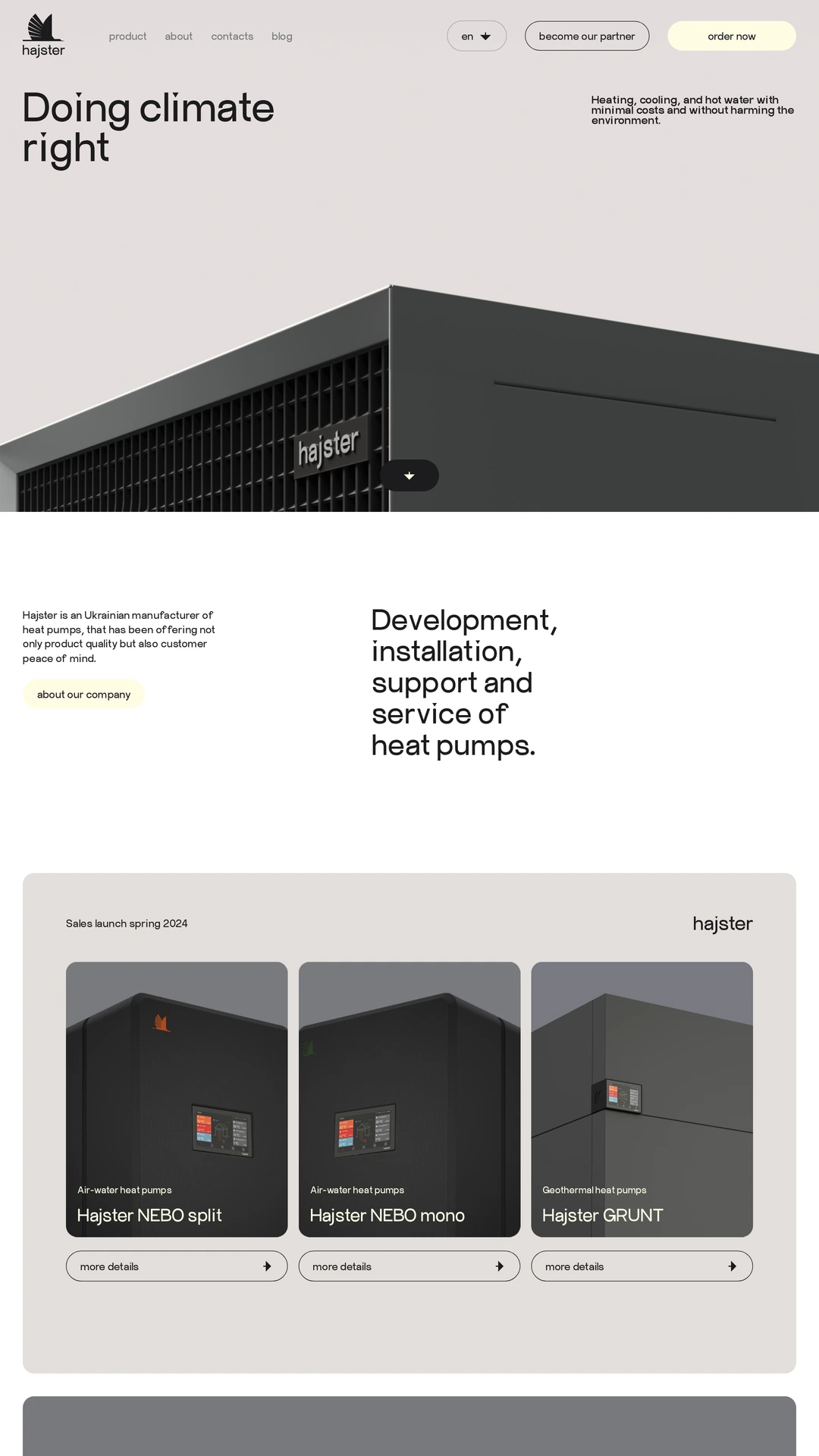
hajster.com
A large device rendering gives the restrained, neutral-colored opening a tangible product focus. Partner and ordering actions sit in the header, while named heat-pump models appear in a consistent card system below. Large type and generous space create a calm presentation, with the tradeoff that visitors travel farther before reaching detailed product comparisons.
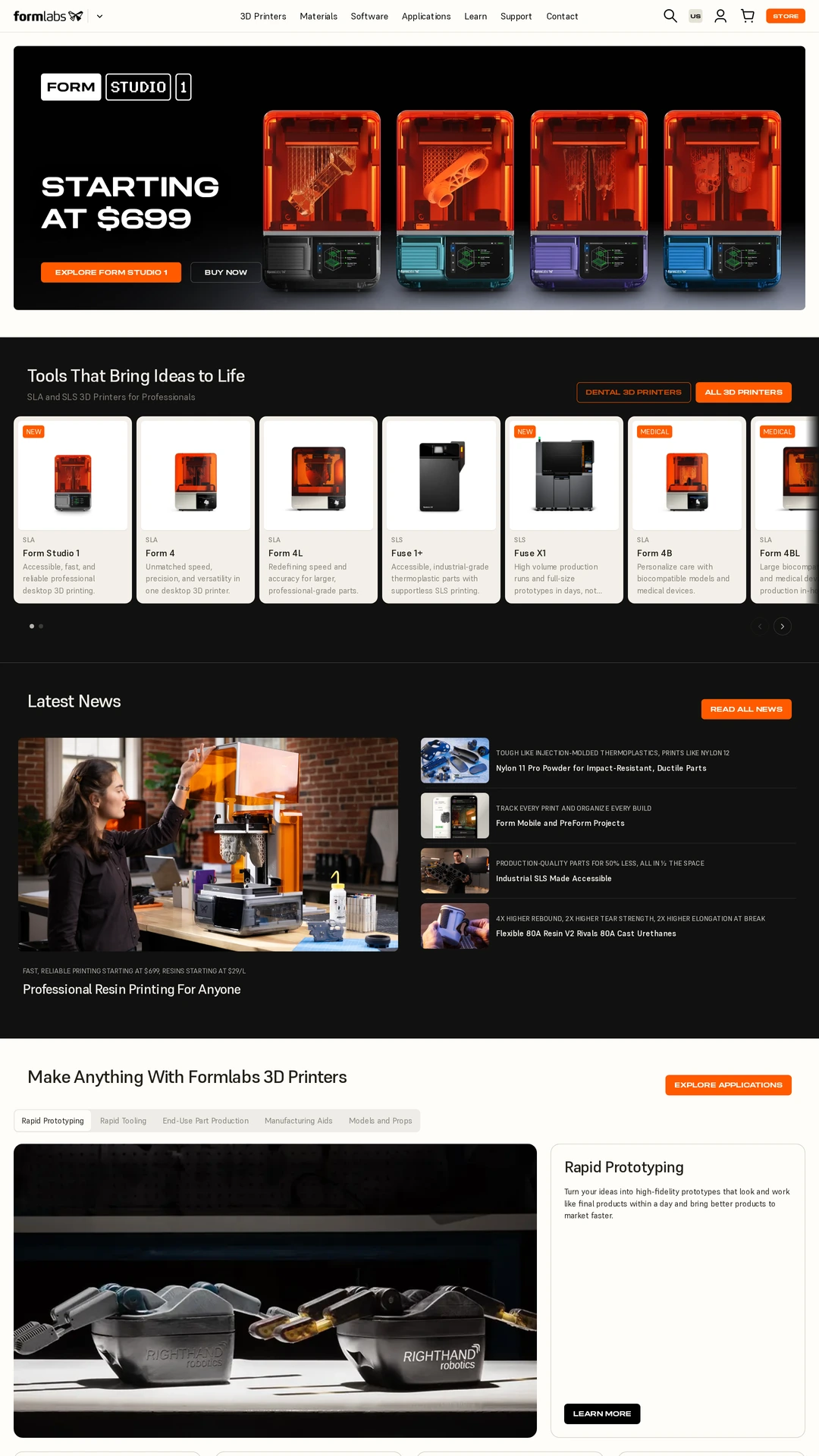
formlabs.com
The dark product-led opening combines printer imagery, an explicit starting price and contrasting orange actions. Product cards lead into applications, material examples and customer stories, giving different technical interests distinct entry points. The changing light and dark sections create rhythm across a long page. Horizontal product browsing needs particular attention on smaller screens.

momentus.space
An aerospace example uses orbital footage, slanted display type and a compact positioning statement instead of a conventional product catalog. The restrained navigation keeps the opening cinematic, and the mobile capture provides a direct contact form below. The tradeoff is limited detail about capabilities in the first view; a striking image still needs an understandable route to substantive information.
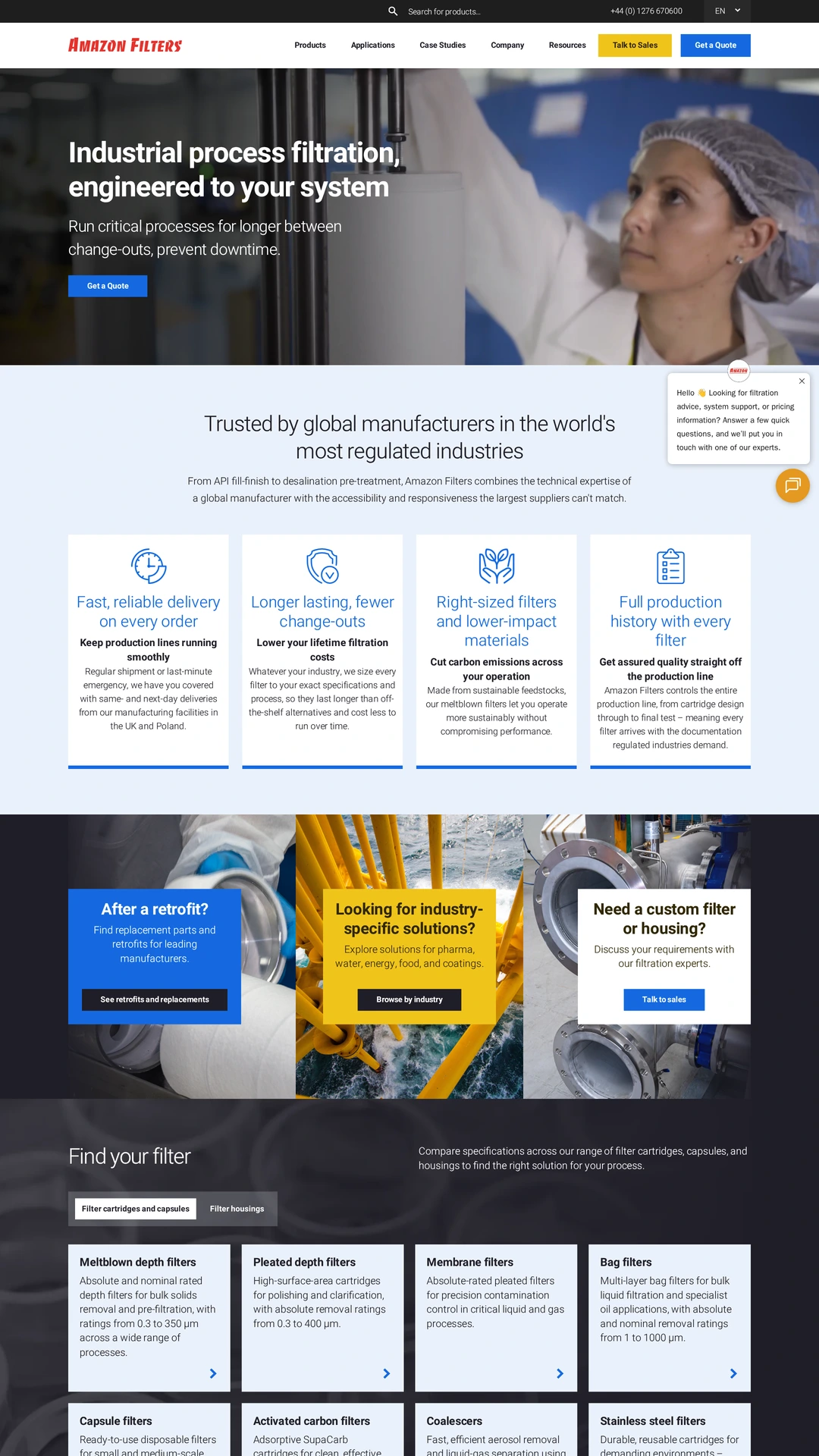
amazonfilters.com
A process photograph, a dark text overlay and a prominent quote action introduce the industrial offer. The page then groups buyer needs, application routes and filter categories, making a technical range easier to approach. Repeated quote and sales paths support different stages of inquiry. The captured chat greeting overlaps some supporting copy, a useful reminder to test widgets against the underlying layout.