Snøhetta
snohetta.com
A useful hero tells visitors where they are, what the page offers and what they can do next. These eight captured examples range from a project-led architecture introduction to compact software propositions and product demonstrations. Compare the relationship between headline, imagery and primary action, rather than treating a large heading or decorative background as a formula. Each crop records one moment; follow the source link to experience the current page and its interactions.
Open a website to explore the full capture and design details.
snohetta.com
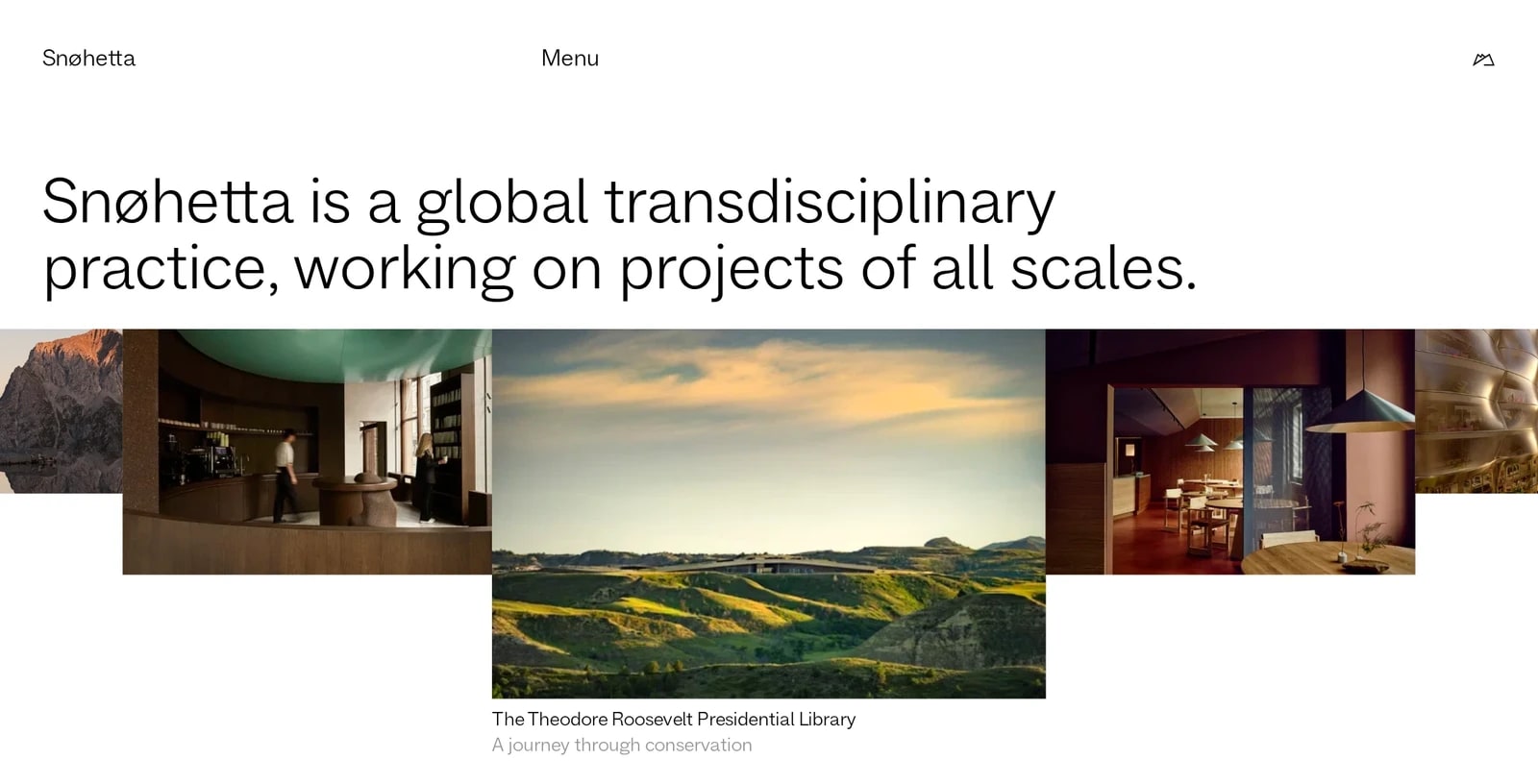
A plain-language introduction sits above an overlapping strip of project photographs. The uneven image sizes create a focal project without giving up the breadth of the portfolio. Sparse navigation leaves the statement and work in charge; the tradeoff is that visitors must open the menu to discover more specific routes.
zapier.com
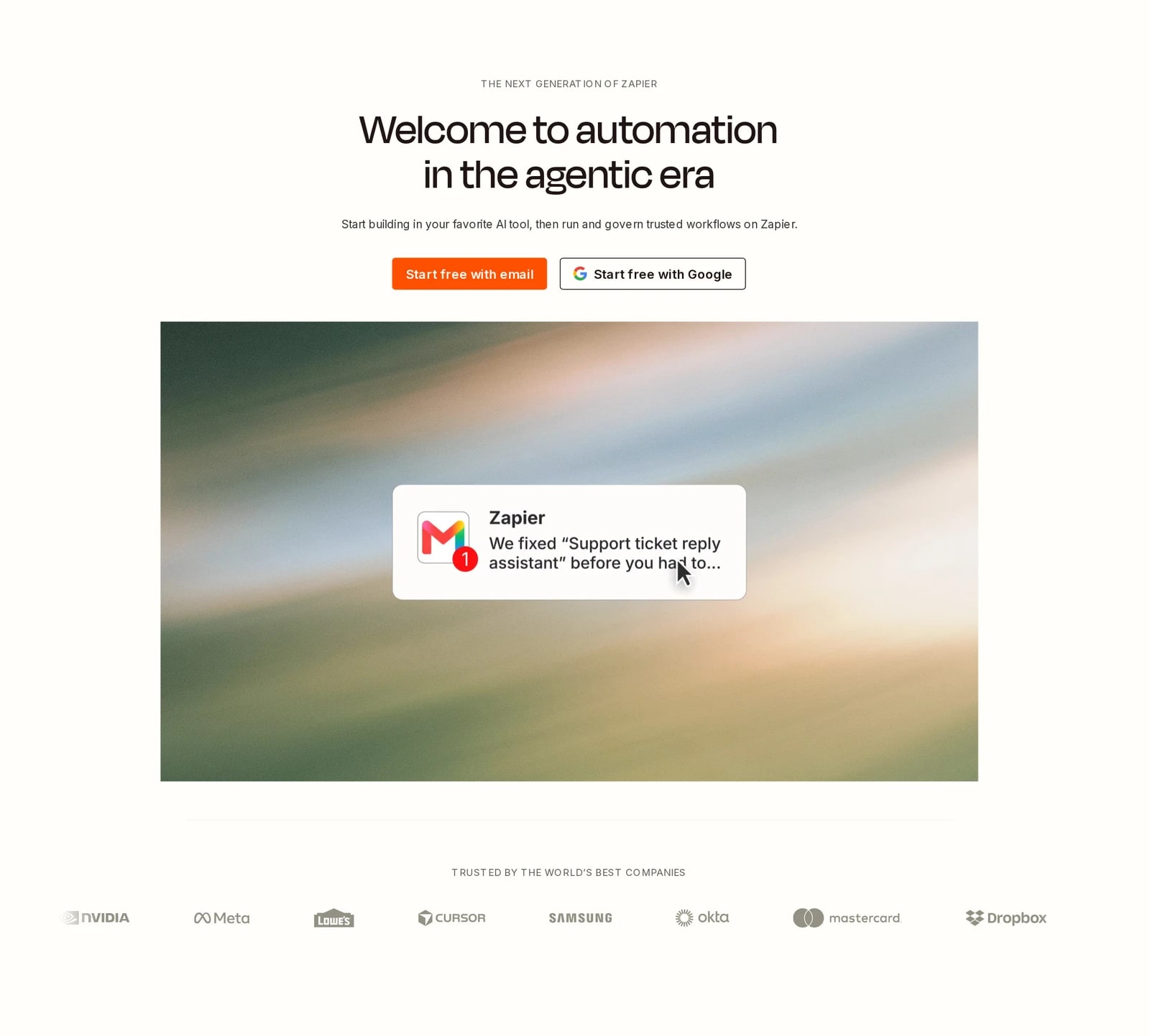
The centered proposition leads into two clearly separated sign-up choices and a large product demonstration. The demonstration translates an abstract automation offer into a recognizable task, while the customer-logo row adds a quieter supporting layer. The tall composition gives each element room, but takes more scrolling than a compact introduction.

about.gitlab.com
An oversized, centered headline dominates a restrained gradient field. A short supporting line and two different next steps keep the hierarchy simple: try the product or learn more. The type does most of the visual work here; the crop prioritizes a clear proposition over a detailed product preview.

savvycal.com
A bright serif headline and matching primary button stand out against layered green shapes. The short supporting text describes the two sides of the booking experience, and a small customer-count line sits below the action. This is a useful example of maintaining a single visual priority within an expressive color system.
nextjs.org
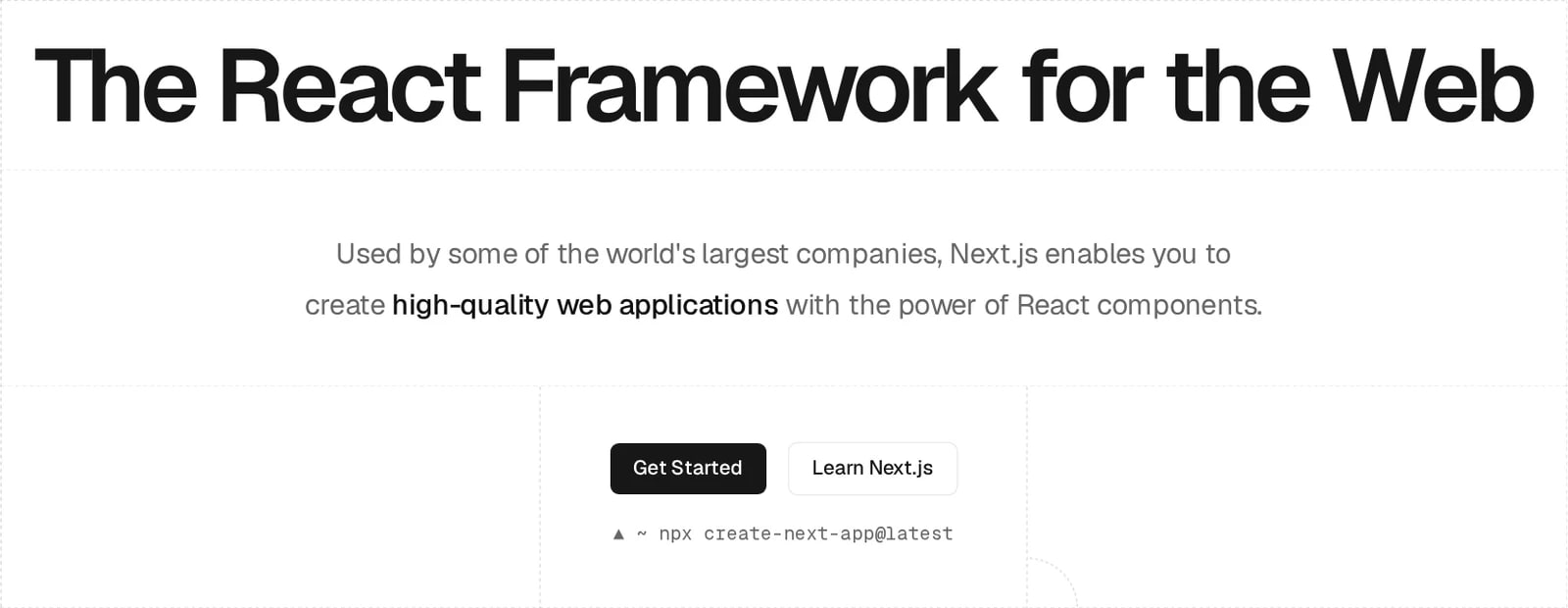
A strong headline, generous whitespace and a faint grid establish a precise developer-oriented composition. The paired actions separate starting a project from learning the framework, with a command-line hint below. Its restrained visual treatment makes the message easy to scan, although much of the explanation remains in small supporting text.
neon.com
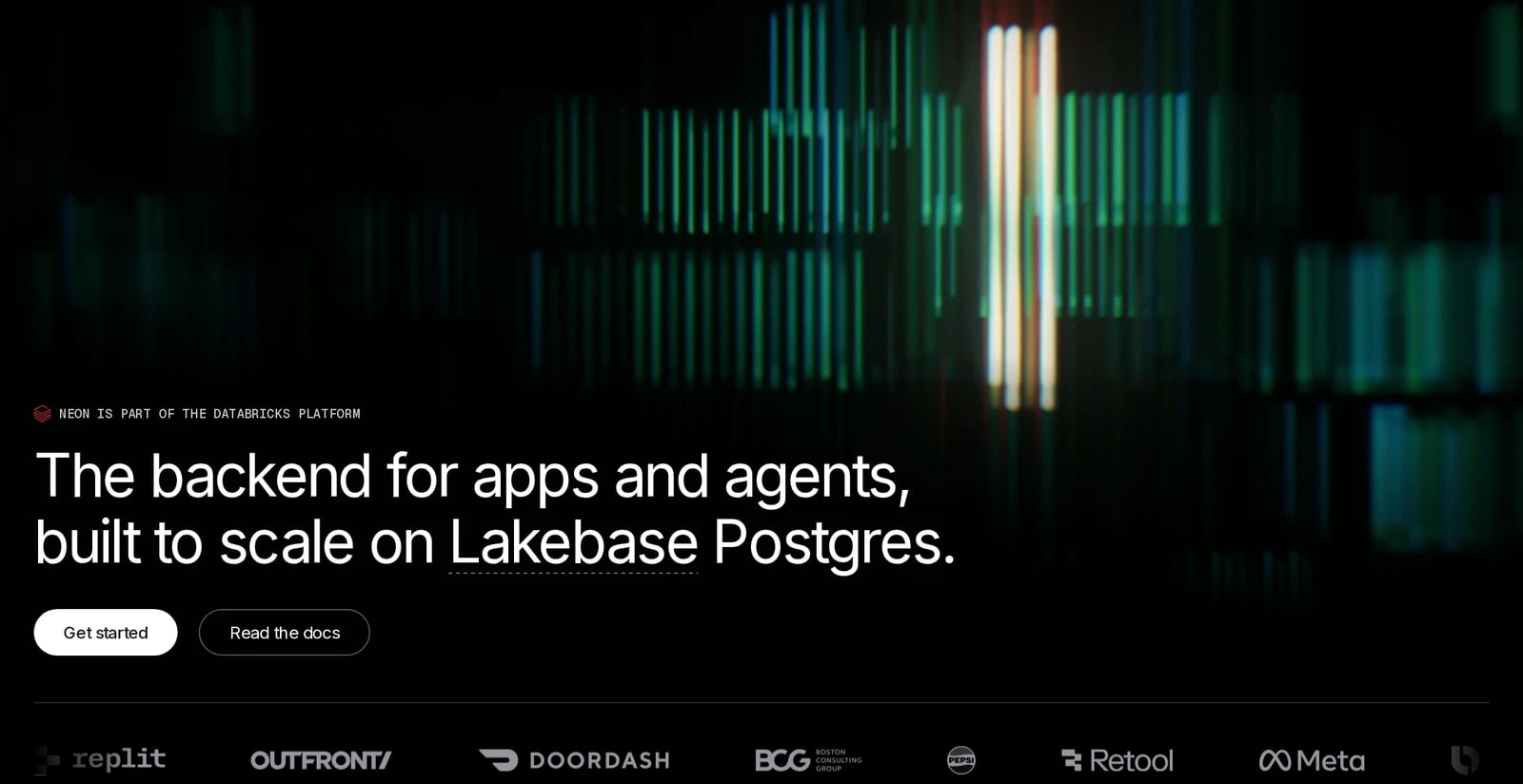
A luminous abstract image gives the dark hero atmosphere, while the headline and two actions remain anchored at the lower left. A narrow partner strip closes the section. The composition balances a large visual field with a compact text block; check small-label contrast when adapting a similarly dark treatment.

buildui.com
Large left-aligned type and a bright button establish a clear reading path over subdued interface and code imagery. The imagery supports the subject without competing with the headline. The supporting paragraph is longer than in several other examples, so line length and contrast carry more of the readability work.

teak.so
A serif headline, concise supporting paragraph and two contrasting buttons form a centered introduction on deep green. A faint chat illustration connects the background to the product's purpose. The short setup reassurance below the buttons is visually secondary; its low contrast is a useful caution when adding small helper copy.