Josie Young — Independent Designer website analysis
A detailed critique of the homepage's craft, originality, usability, and ability to move visitors toward its intended goal.
Our observations
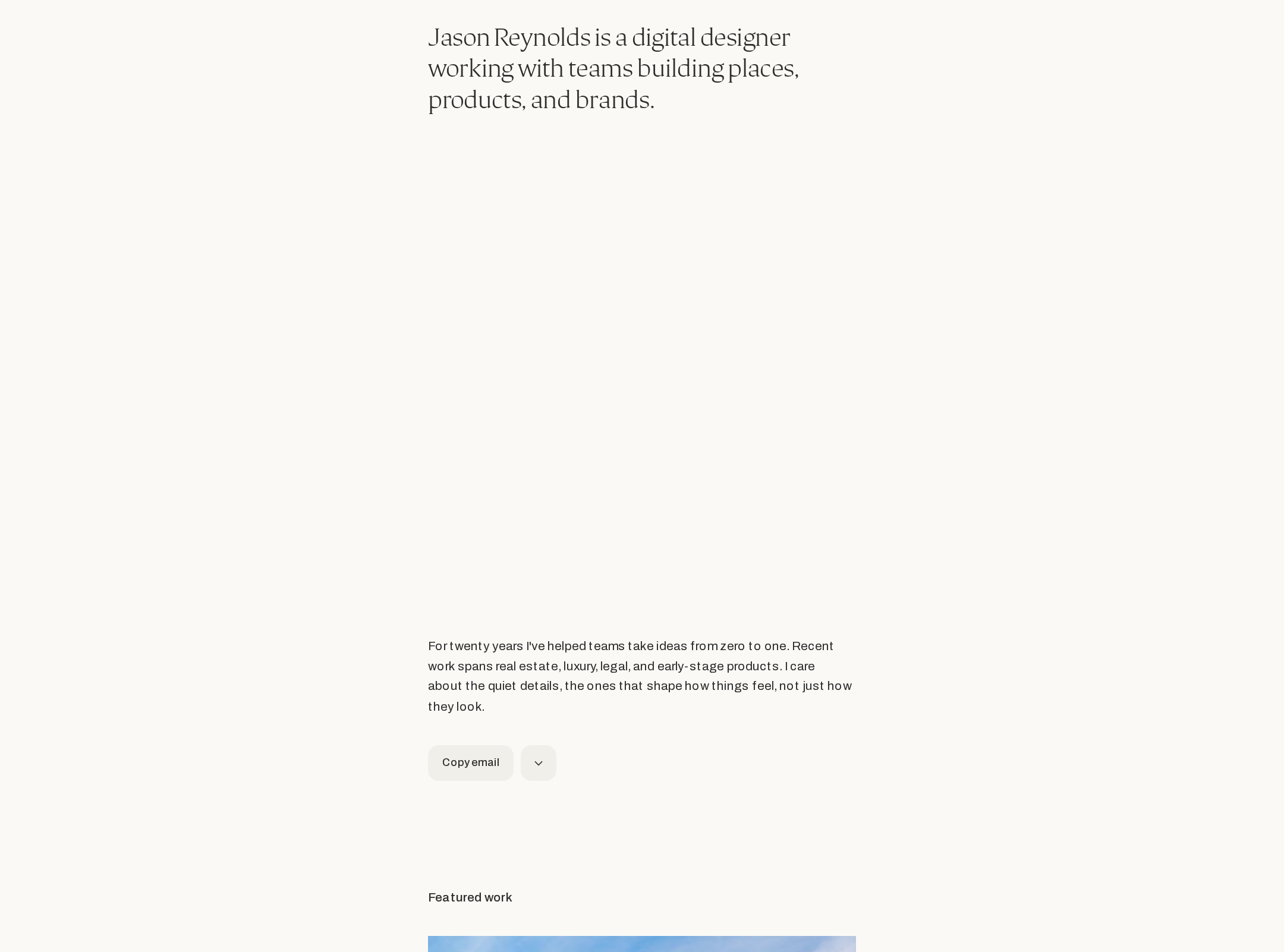
A strong, publishable portfolio homepage with a distinctive editorial voice and excellent restraint. Its main opportunities are clearer project navigation, a stronger contact pathway, and cleanup of documented HTML accessibility issues.
Best practices
The page has strong contrast, semantic navigation and footer regions, a skip link, and a focused information hierarchy. Structural quality is reduced by duplicate IDs and two H1 elements reported in the audit.
What works
- Contrast sampling reported no failures across 16 samples.
- The page includes a semantic navigation region, main content, footer, and skip link.
- The introduction clearly states the designer’s disciplines and scope.
Opportunities
- Resolve the three duplicate-ID patterns reported across 14 occurrences.
- Reduce the page to one primary H1 and use a lower heading level for the project index heading.
- Verify focus states, image alternative text, and keyboard access for every project link in a browser audit.
Design
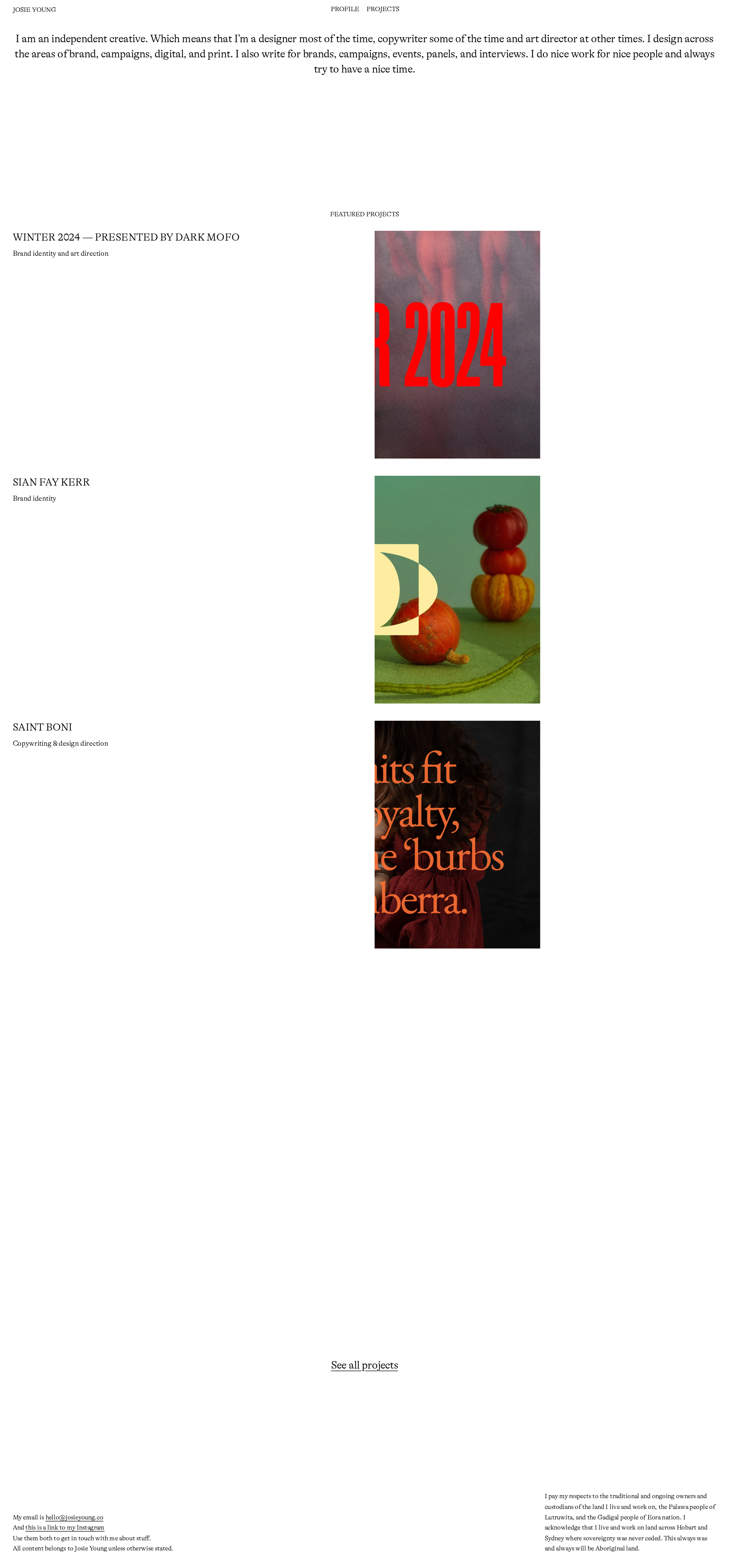
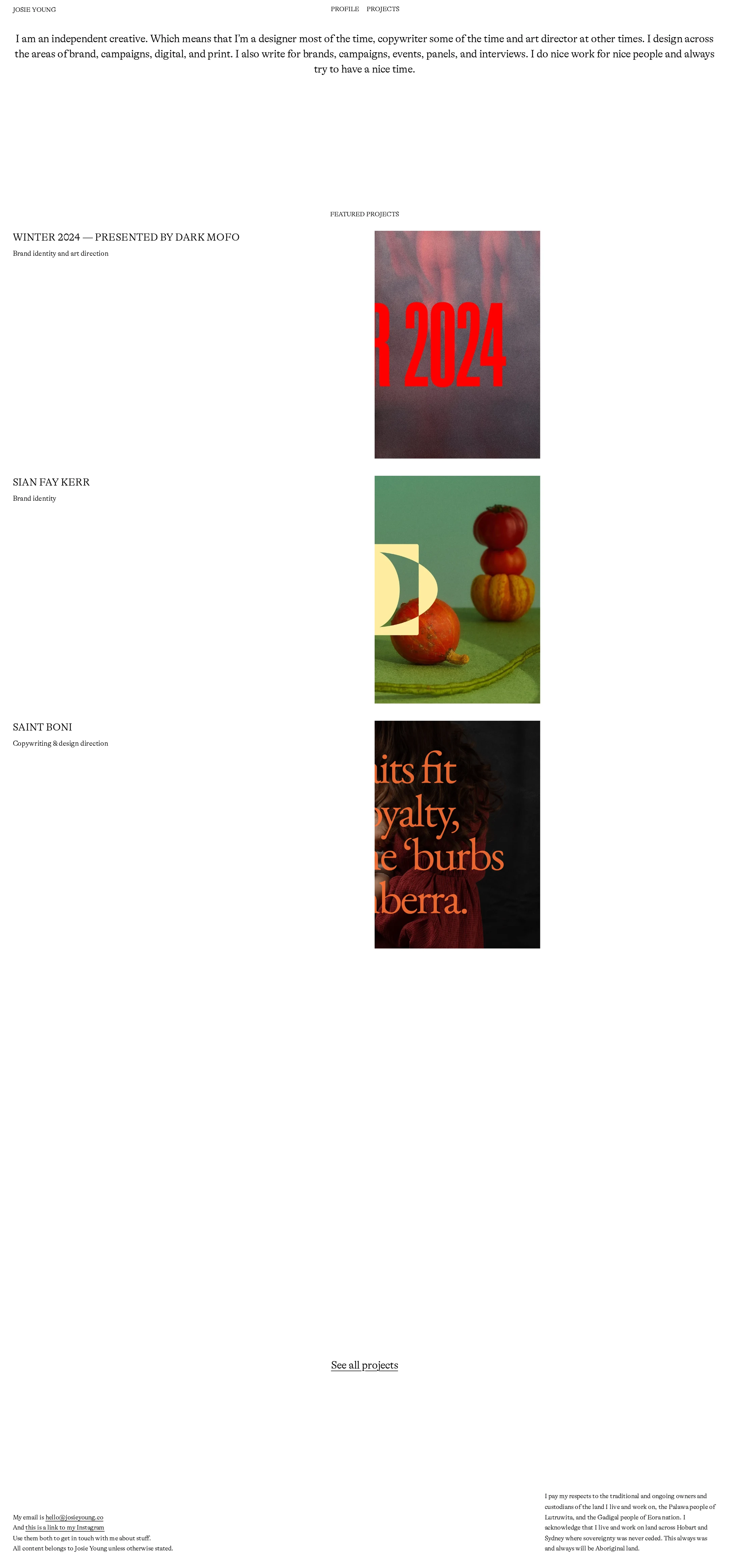
A confident minimalist composition with a strong editorial sensibility. The restrained black-and-white framework lets the colorful project work carry emphasis, although the unusually large empty areas slightly weaken visual continuity.
What works
- The serif-led typography creates a recognizable independent-studio character.
- Project labels, disciplines, and imagery form a consistent repeatable rhythm.
- The limited interface palette keeps attention on the work.
Opportunities
- Tighten the vertical distance between the project gallery and the all-projects link.
- Consider a subtle secondary rule, index marker, or metadata treatment to give the long gallery more orientation without losing restraint.
- Ensure image crops preserve the most informative parts of each project preview.
Uniqueness
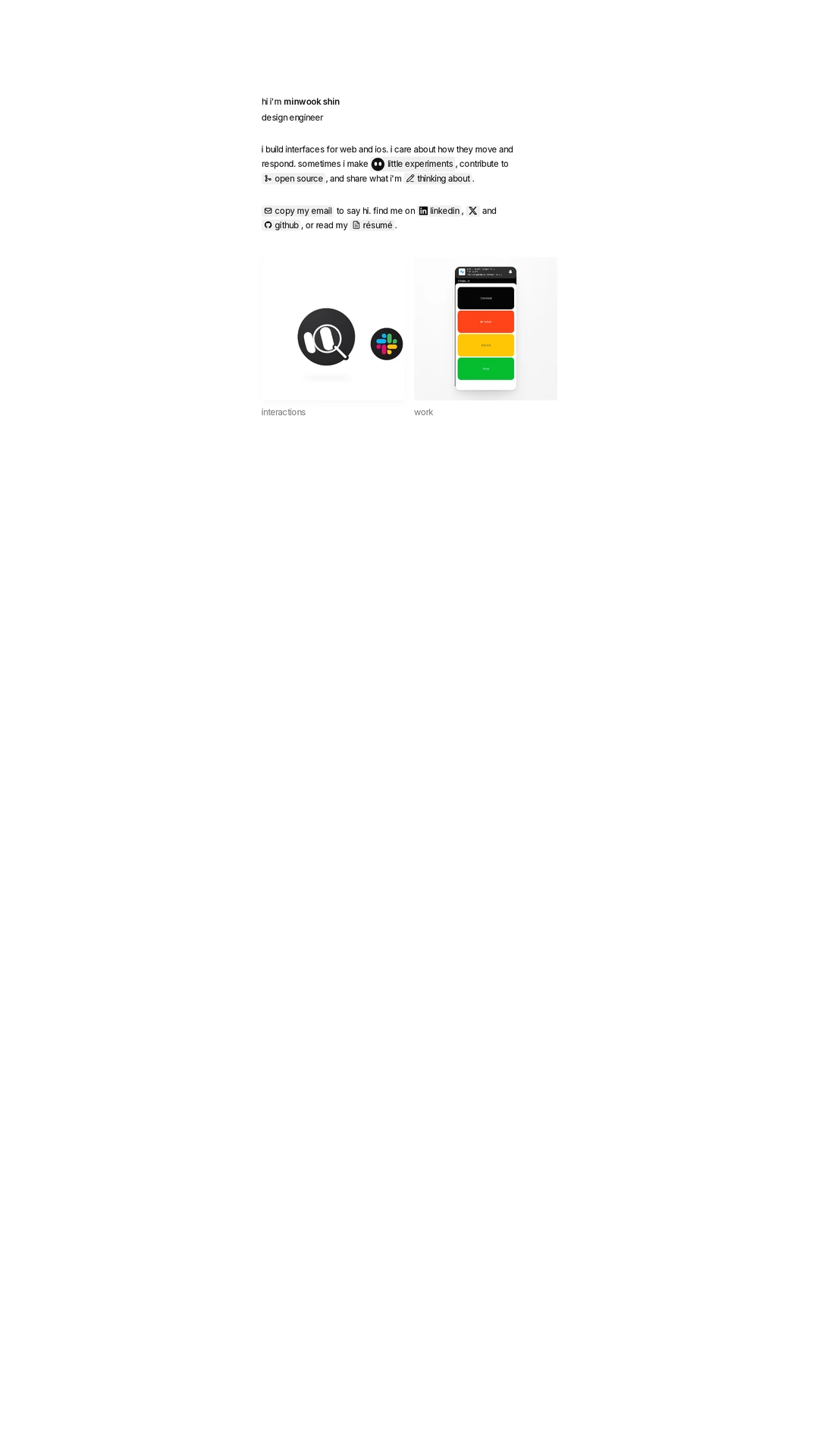
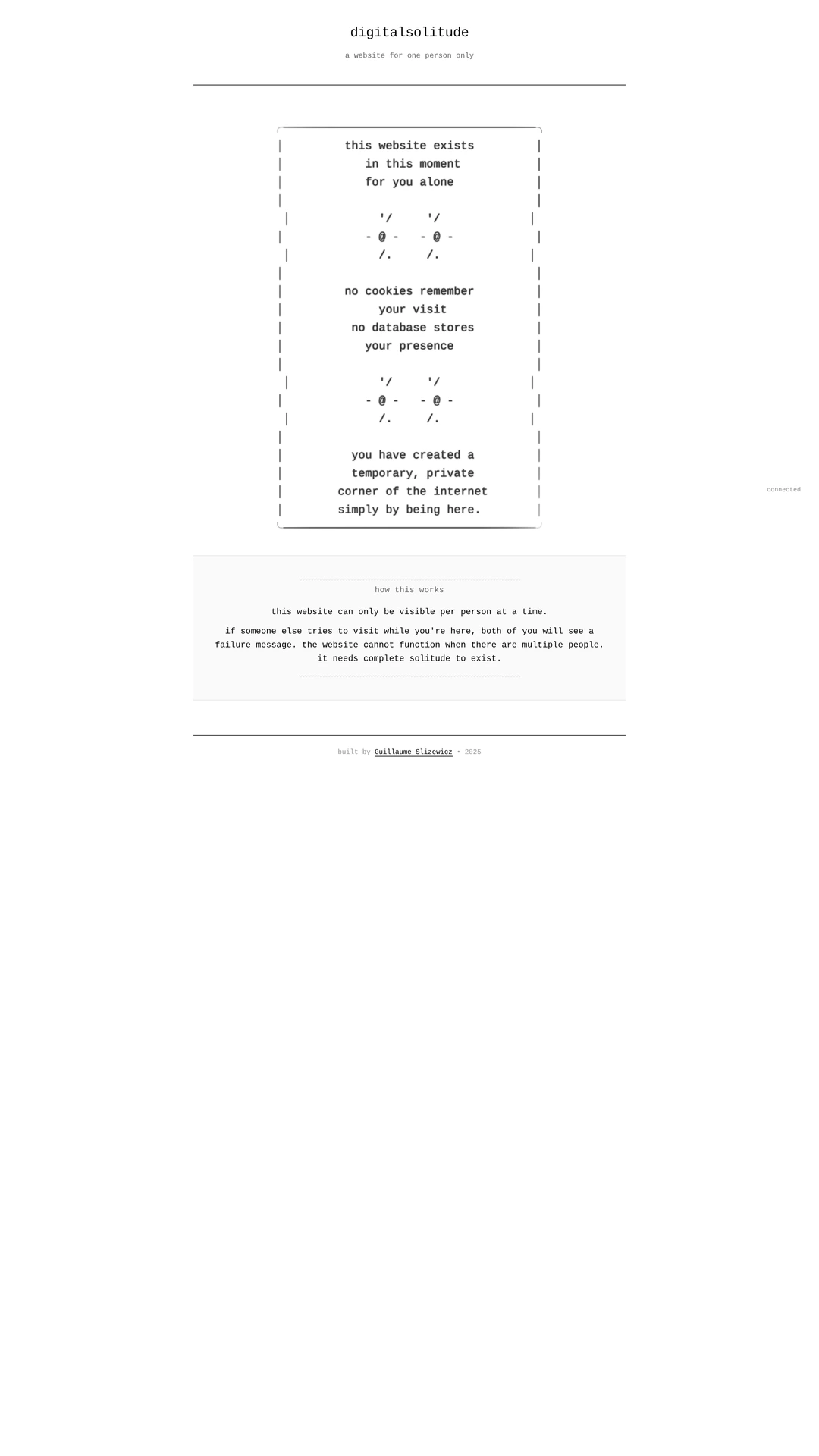
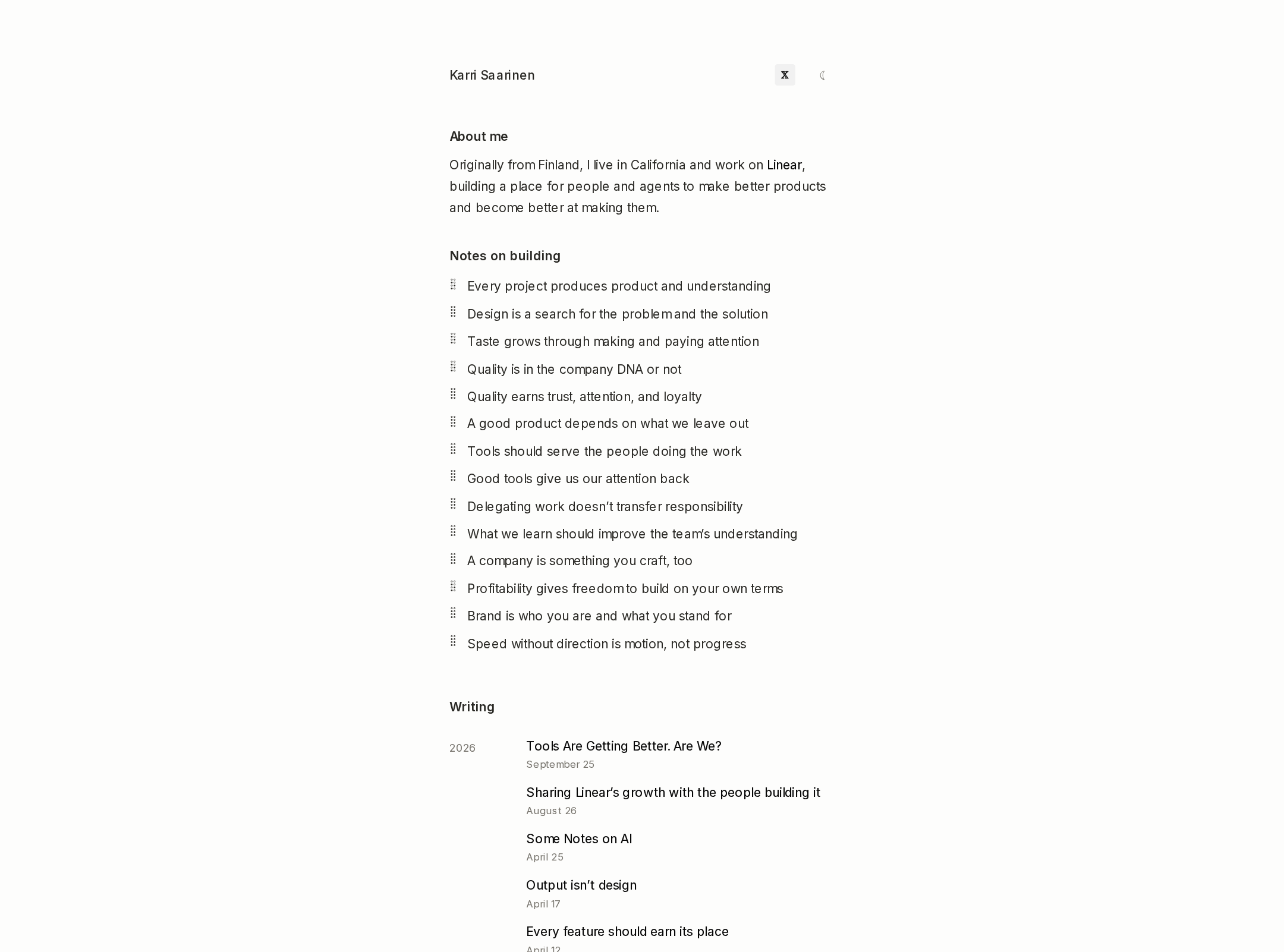
The page feels more authored than generic, relying on editorial typography, unusually generous negative space, and a selective project presentation rather than a conventional grid or agency landing page.
What works
- The sparse gallery arrangement gives the portfolio a calm, exhibition-like quality.
- The combination of design, copywriting, and art direction is reflected in both the introduction and the project mix.
- The project imagery provides distinct visual identities within a consistent shell.
Opportunities
- Add a concise point of view or process cue to distinguish the practice beyond its service list.
- Make the featured-project selection or sequencing feel more intentional through dates, roles, or short outcome-oriented context.
User experience
The core path from introduction to selected work is understandable, but the page asks users to traverse considerable empty space and provides limited orientation about what happens after selecting a project.
What works
- The header navigation is concise and easy to scan.
- Project titles and disciplines are visible before interaction.
- The page avoids distracting overlays, dense controls, and unnecessary decorative elements.
Opportunities
- Make the featured-project area more compact or add a visible section label and progress cue.
- Give each project preview a clearer affordance, such as an explicit view-project treatment or descriptive link text.
- Test the layout at mobile and tablet widths; those behaviors cannot be verified from the supplied desktop screenshot.
Conversion optimization
For a personal creative portfolio, the page successfully establishes capability and directs users toward more work, but the commercial next step is understated.
What works
- The introductory copy quickly communicates relevant services and experience areas.
- The featured work appears before the footer contact details, supporting credibility before outreach.
- The all-projects link offers a clear secondary exploration path.
Opportunities
- Place a more prominent email or inquiry link near the introduction or immediately after the featured work.
- Add role and contribution details to project entries so prospective clients can assess fit faster.
- Use a clearer contact label than a footer-only email address, while preserving the understated visual language.
What we'd improve
- 01high
Correct heading and ID structure
Keep the introductory statement as the sole H1, convert the project index heading to an appropriate lower-level heading, and remove the repeated IDs identified by the accessibility audit.
- 02high
Strengthen the primary contact path
Add a concise inquiry or email link near the introduction and repeat it after the featured projects so prospective clients do not need to reach the footer to act.
- 03medium
Improve project wayfinding
Add lightweight metadata such as year, role, or a view-project affordance to each featured entry, and consider a subtle section marker to reduce the sense of disconnected whitespace.
- 04medium
Validate responsive and interaction behavior
Review project crops, navigation, keyboard focus, reading order, and spacing at mobile and tablet widths; these behaviors are not established by the supplied desktop evidence.
- 05low
Add concise project context
Include one short outcome, client context, or contribution note per project to make the portfolio more persuasive without materially increasing visual density.