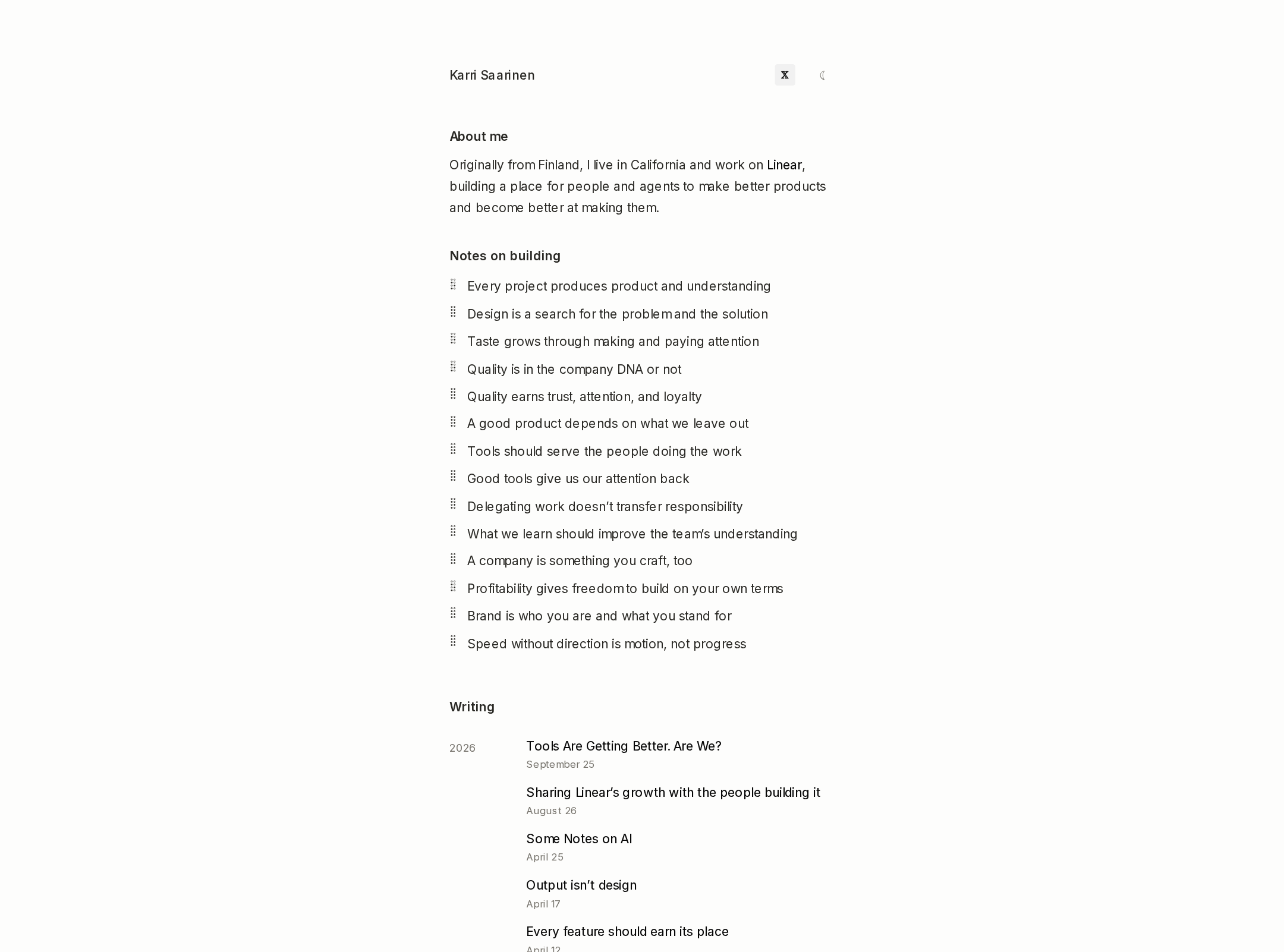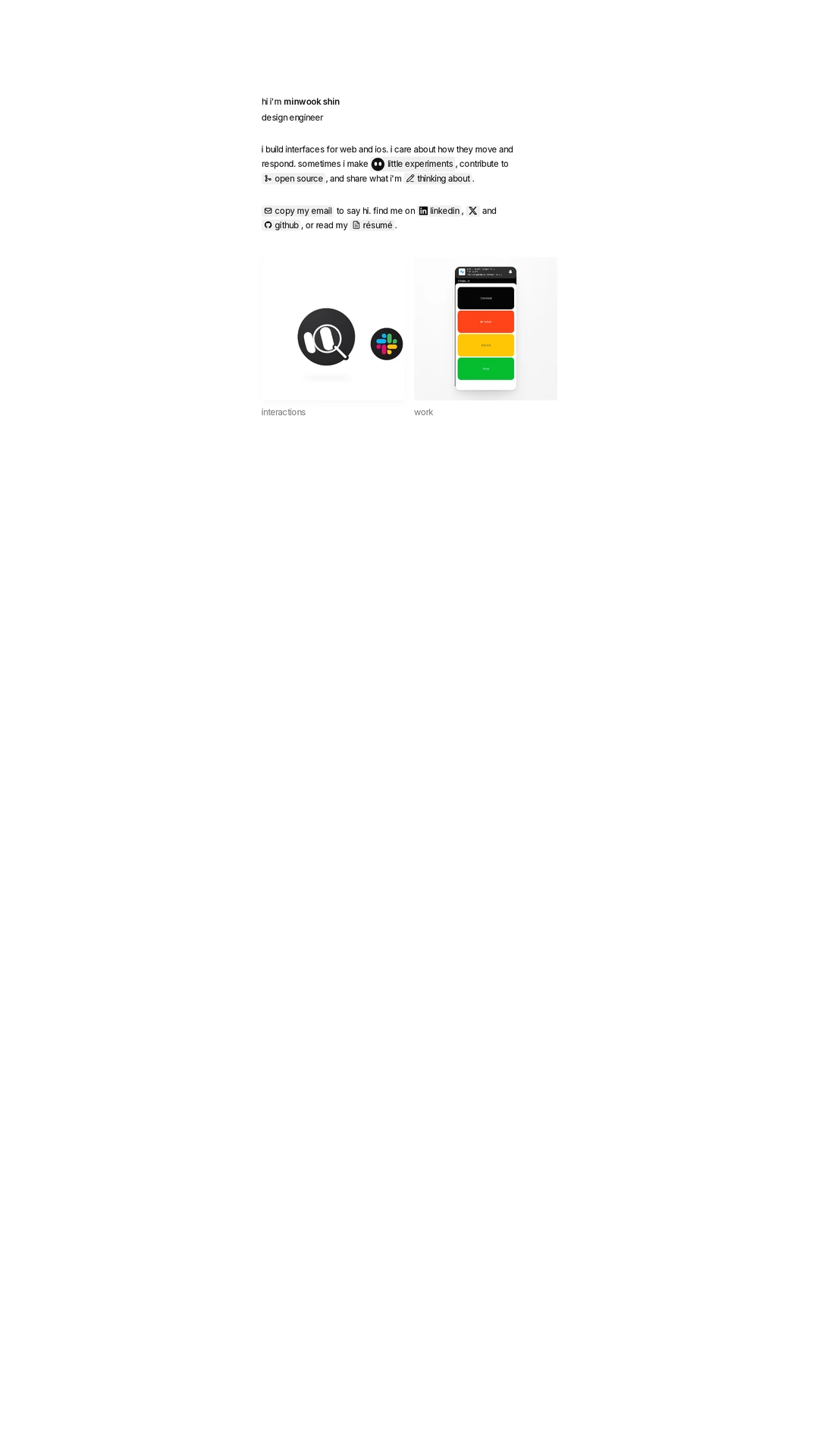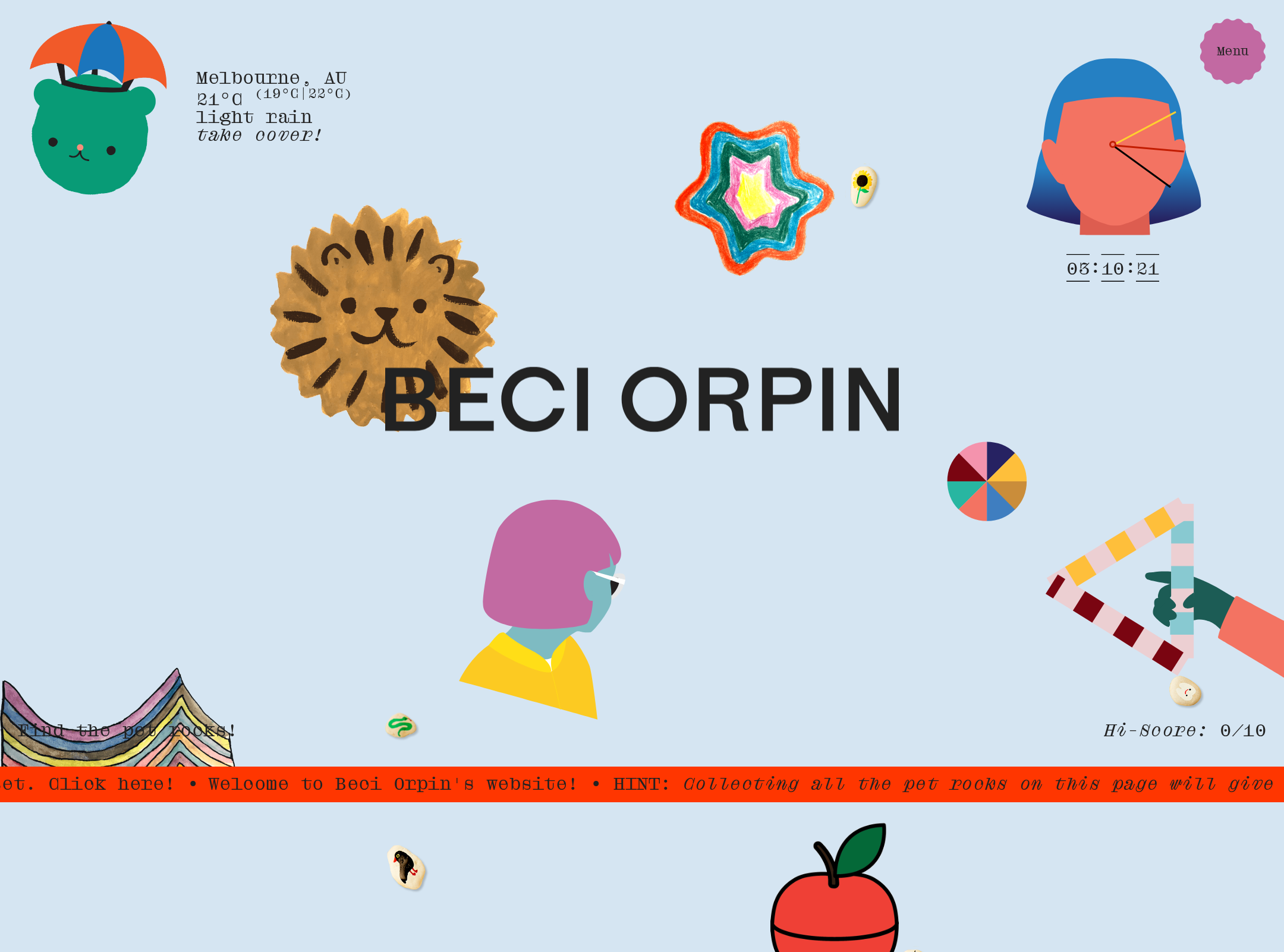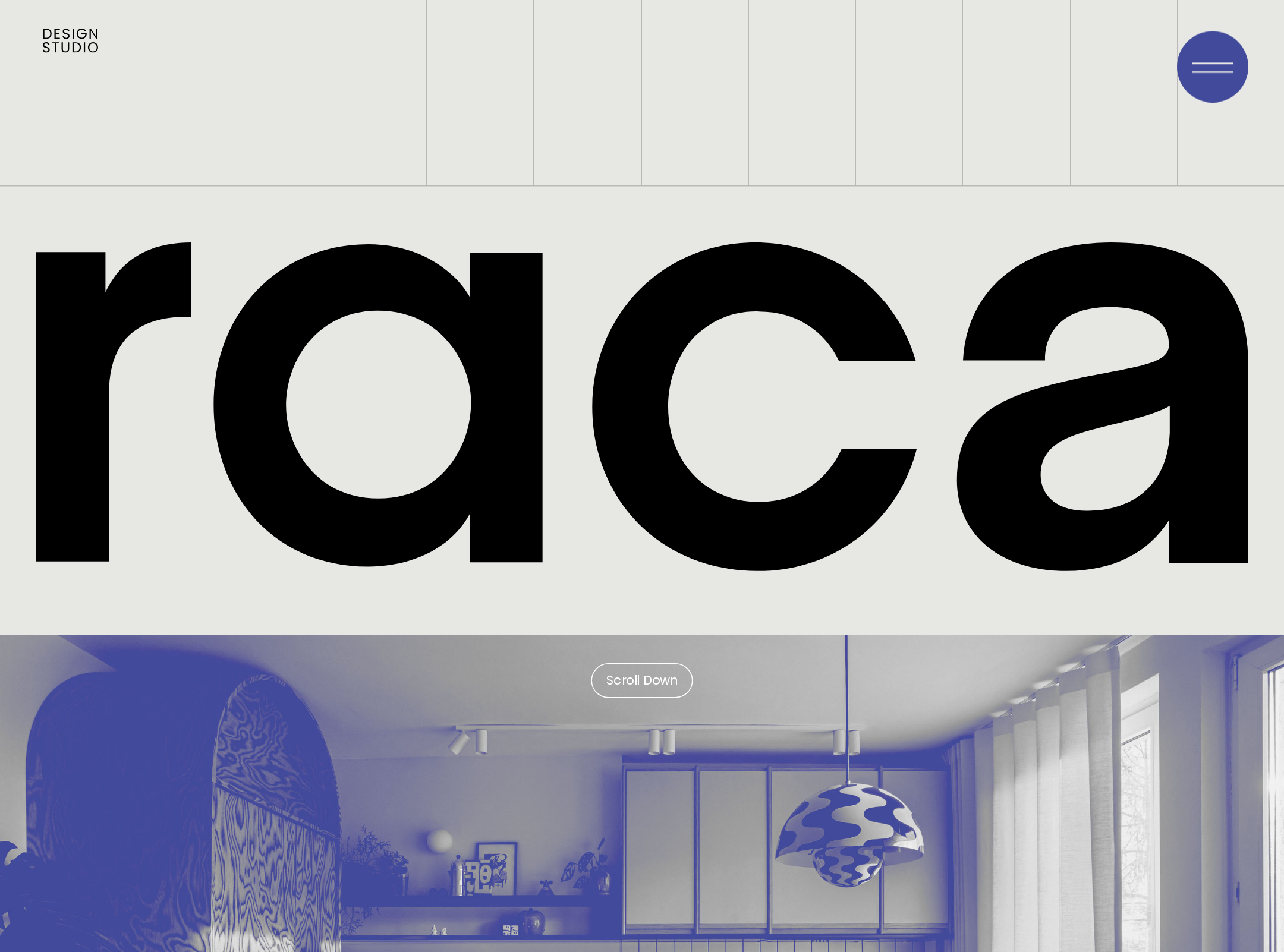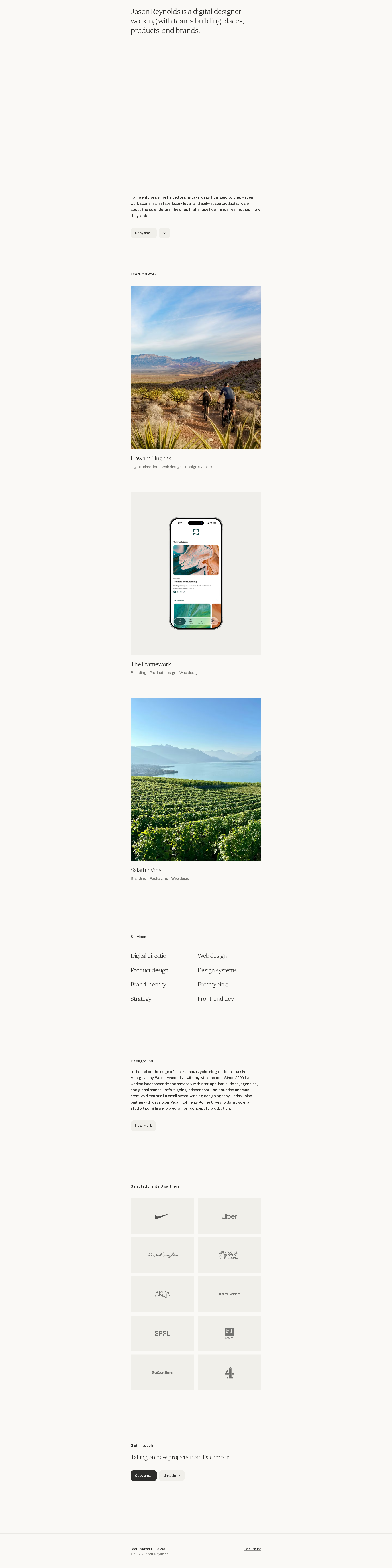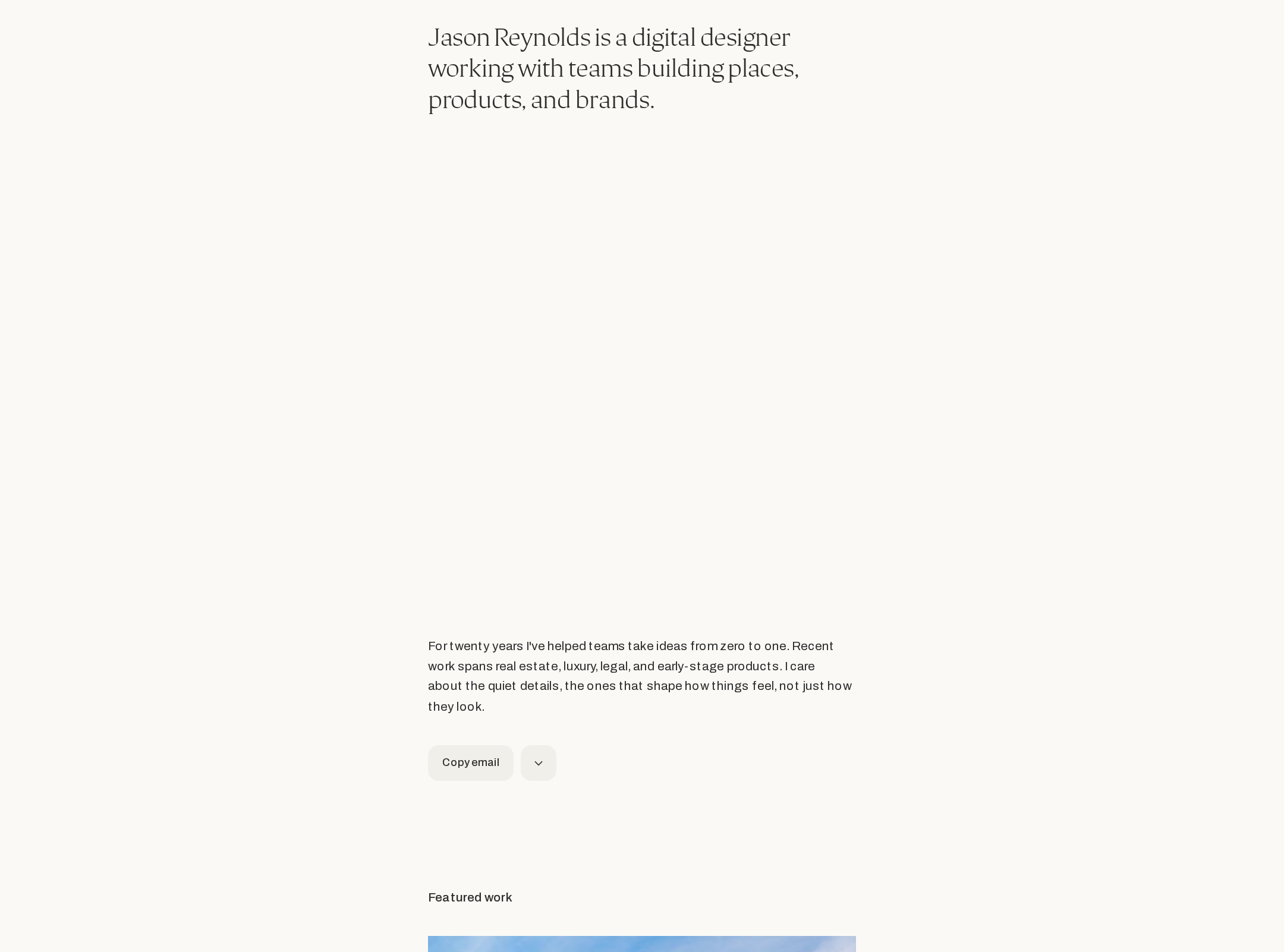


Jason Reynolds — Digital Designer website analysis
A detailed critique of the homepage's craft, originality, usability, and ability to move visitors toward its intended goal.
Our observations
A highly polished and publishable portfolio that succeeds through restraint, editorial hierarchy, and clear professional positioning. Its next opportunity is to make project depth and small-screen readability more explicit.
Best practices
The supplied structural and automated accessibility evidence is exceptionally clean, with strong semantic organization and consistent interaction patterns.
What works
- One H1 and sequential H2 structure establish a clear document hierarchy.
- A main landmark, semantic footer, and structured sections support page orientation.
- The sampled interface reports no contrast failures, duplicate IDs, or heading skips.
- Primary actions include contact, work navigation, process information, and a final contact section.
Opportunities
- Verify keyboard focus visibility and accessible names for icon-only controls in rendered states.
- Confirm that the copy-email interaction provides a clear success or error announcement.
- Recheck image alternative text and project-link announcements at implementation level; the supplied component sample does not establish all image semantics.
Design
A cohesive editorial system gives the portfolio a confident, refined character without competing with the work.
What works
- The warm neutral palette and restrained controls create a distinctive, calm atmosphere.
- Serif and sans-serif contrast adds personality while preserving functional clarity.
- Project imagery is given enough space to act as the primary visual proof.
- Spacing and repeated component treatment create strong rhythm across a long page.
Opportunities
- The screenshot’s very narrow content presentation reduces visual impact and makes supporting text feel undersized.
- Project titles and discipline labels could use slightly stronger hierarchy or richer preview context.
- A more pronounced visual transition between major sections could improve orientation while preserving the quiet tone.
Uniqueness
The portfolio feels authored rather than template-driven, particularly in its typography, pacing, and low-chrome presentation.
What works
- The editorial restraint and image-led project sequence form a coherent personal signature.
- The combination of serif display text, compact utility controls, and neutral surfaces is memorable without being overstated.
- The page prioritizes selected work and professional context instead of relying on generic portfolio decoration.
Opportunities
- The overall minimal portfolio language is familiar within contemporary design practice; deeper project narratives could make the point of view more unmistakable.
- A distinctive recurring detail tied to the designer’s process or visual philosophy could add another layer of authorship.
User experience
The information architecture is easy to follow, but the sparse presentation asks visitors to infer more about project depth than ideal.
What works
- The sequence from introduction to work, services, background, clients, and contact matches visitor expectations.
- A scroll-to-work control provides an efficient path from the hero into the portfolio.
- Services and client marks quickly communicate breadth and credibility.
- The restrained interface keeps cognitive load low.
Opportunities
- Add concise project outcomes, role descriptions, or case-study indicators to help visitors decide what to open.
- Ensure the compact typography remains comfortably readable at mobile widths and browser zoom levels.
- Give the client grid and service list enough explanatory context for visitors unfamiliar with the names or categories.
Conversion optimization
The page makes contact easy and establishes credibility, but it could better convert interest into qualified project inquiries by clarifying proof and fit.
What works
- The hero immediately identifies the professional category and type of collaboration.
- Featured work appears early and demonstrates several relevant disciplines.
- Client marks and background content provide social proof before the final contact prompt.
- Repeated contact actions reduce the need to search for an inquiry path.
Opportunities
- State availability, preferred project types, or collaboration model near the contact section.
- Add a short result-oriented sentence to each featured project so visitors can understand value beyond the image.
- Make the final contact action more specific about what happens after reaching out.
- Consider a lightweight case-study index or selected outcomes for visitors evaluating a larger engagement.
What we'd improve
- 01high
Strengthen project proof
Add one concise outcome, role, or project synopsis to each featured work item, and clearly indicate when a card opens a deeper case study.
- 02high
Verify small-screen reading scale
Test the captured narrow composition across common mobile widths, zoom settings, and dynamic text sizing; increase supporting text or spacing where it feels compressed.
- 03medium
Clarify contact fit
Use the final contact section to state availability, typical engagement types, and the expected next step after an inquiry.
- 04medium
Audit interaction feedback
Confirm that copy-email actions expose clear success and failure feedback and that the icon-only scroll control has a visible focus state and descriptive accessible name.
- 05low
Add a signature process cue
Introduce one restrained, original visual or editorial detail connected to the designer’s working method to deepen differentiation without disrupting the current restraint.