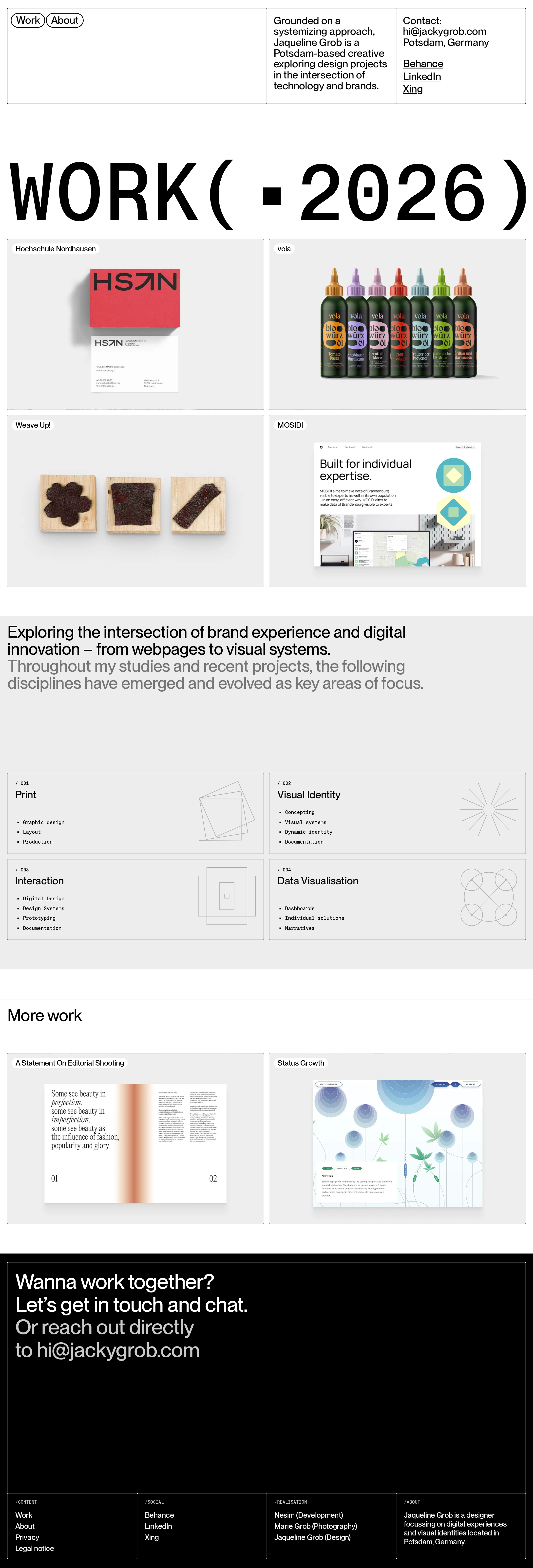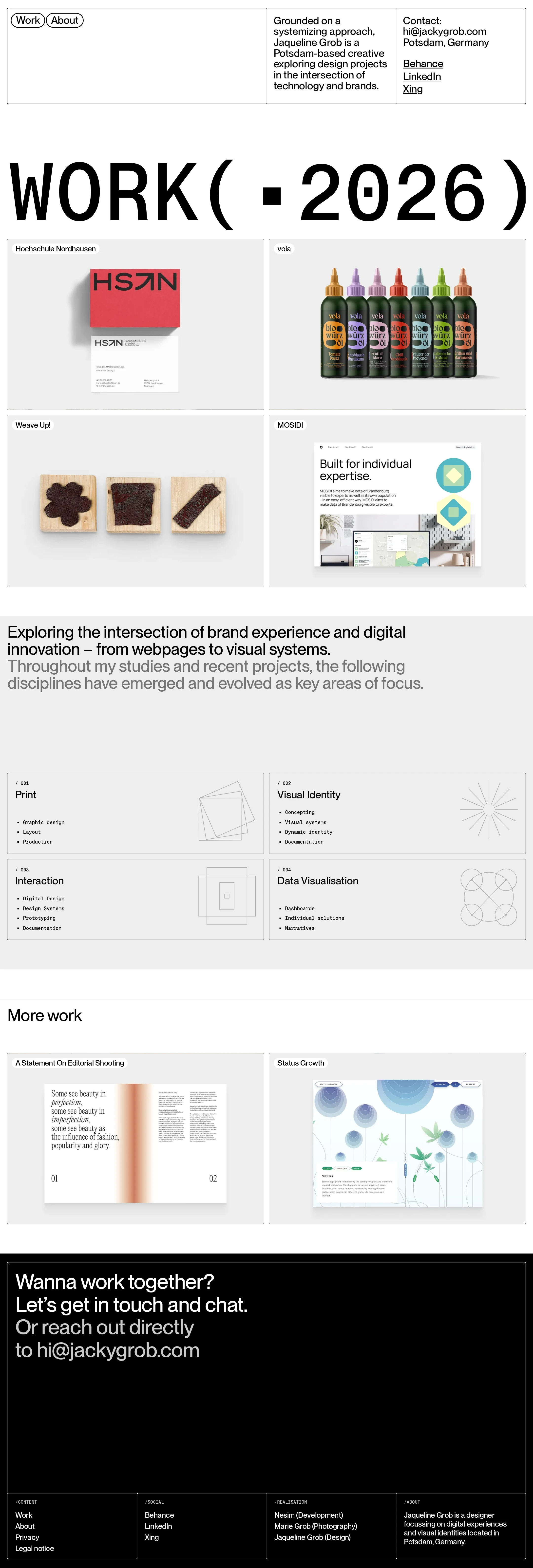
Jaqueline Grob – Designer, Digital & Brand website analysis
A detailed critique of the homepage's craft, originality, usability, and ability to move visitors toward its intended goal.
Our observations
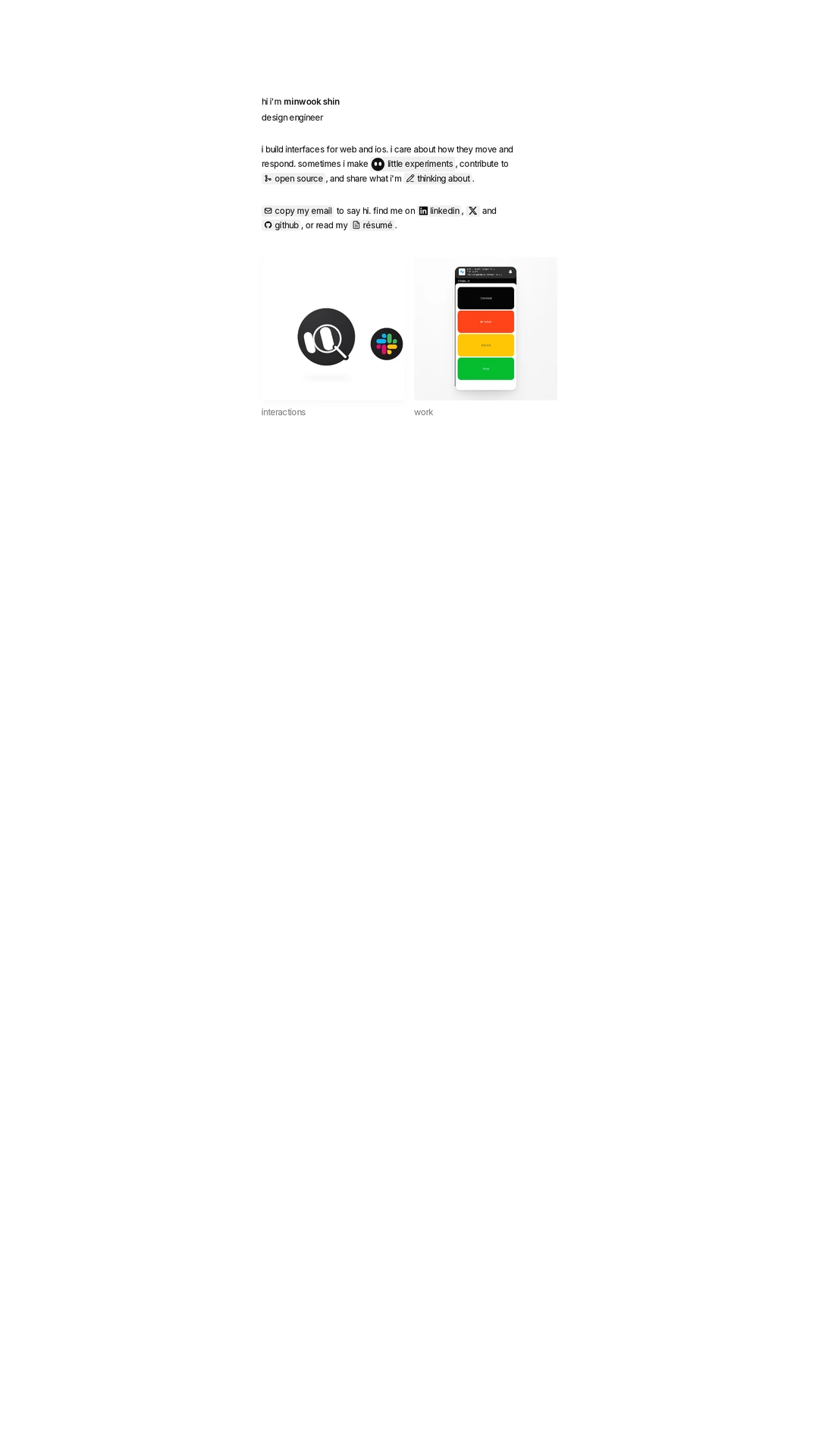
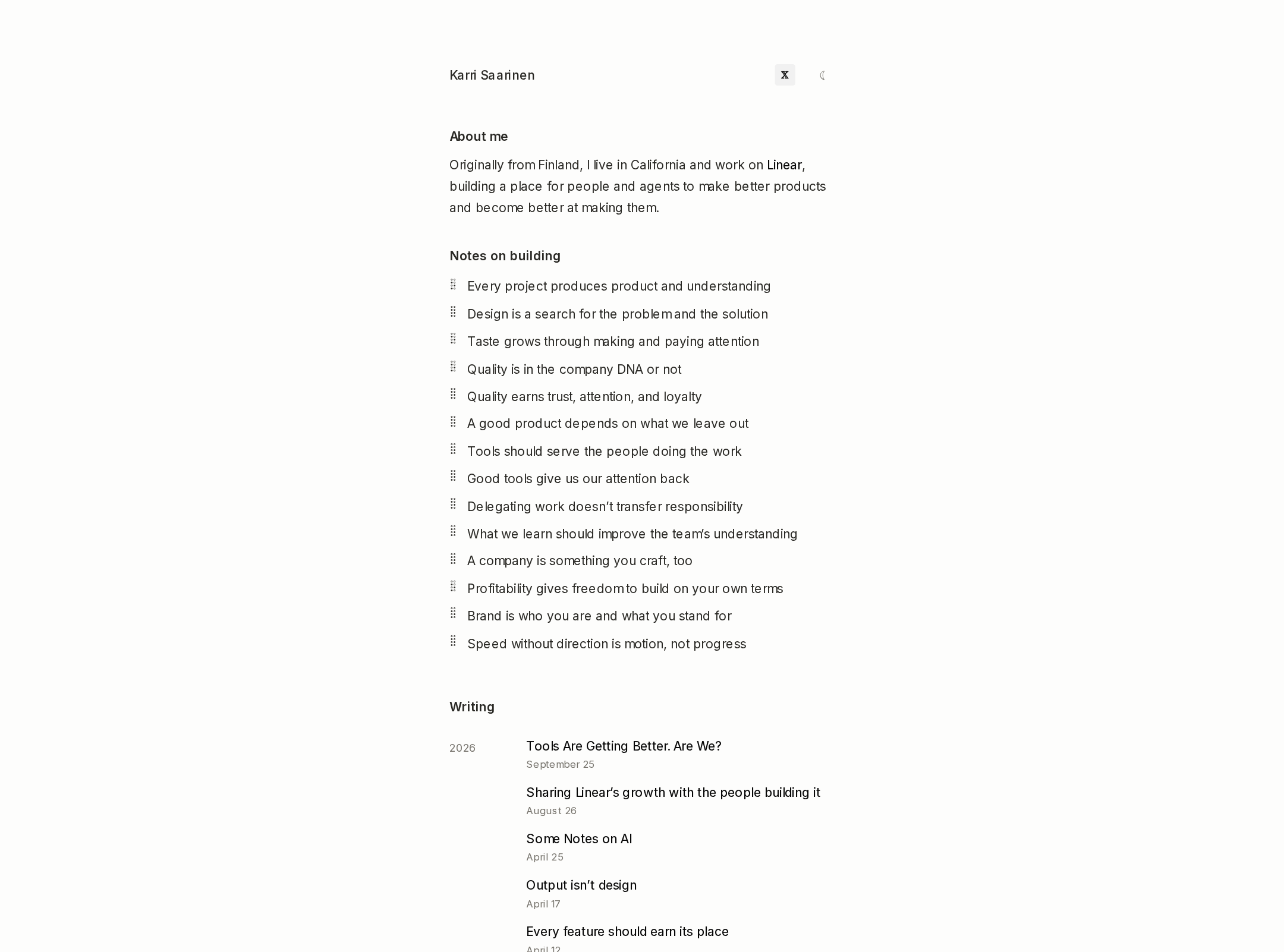
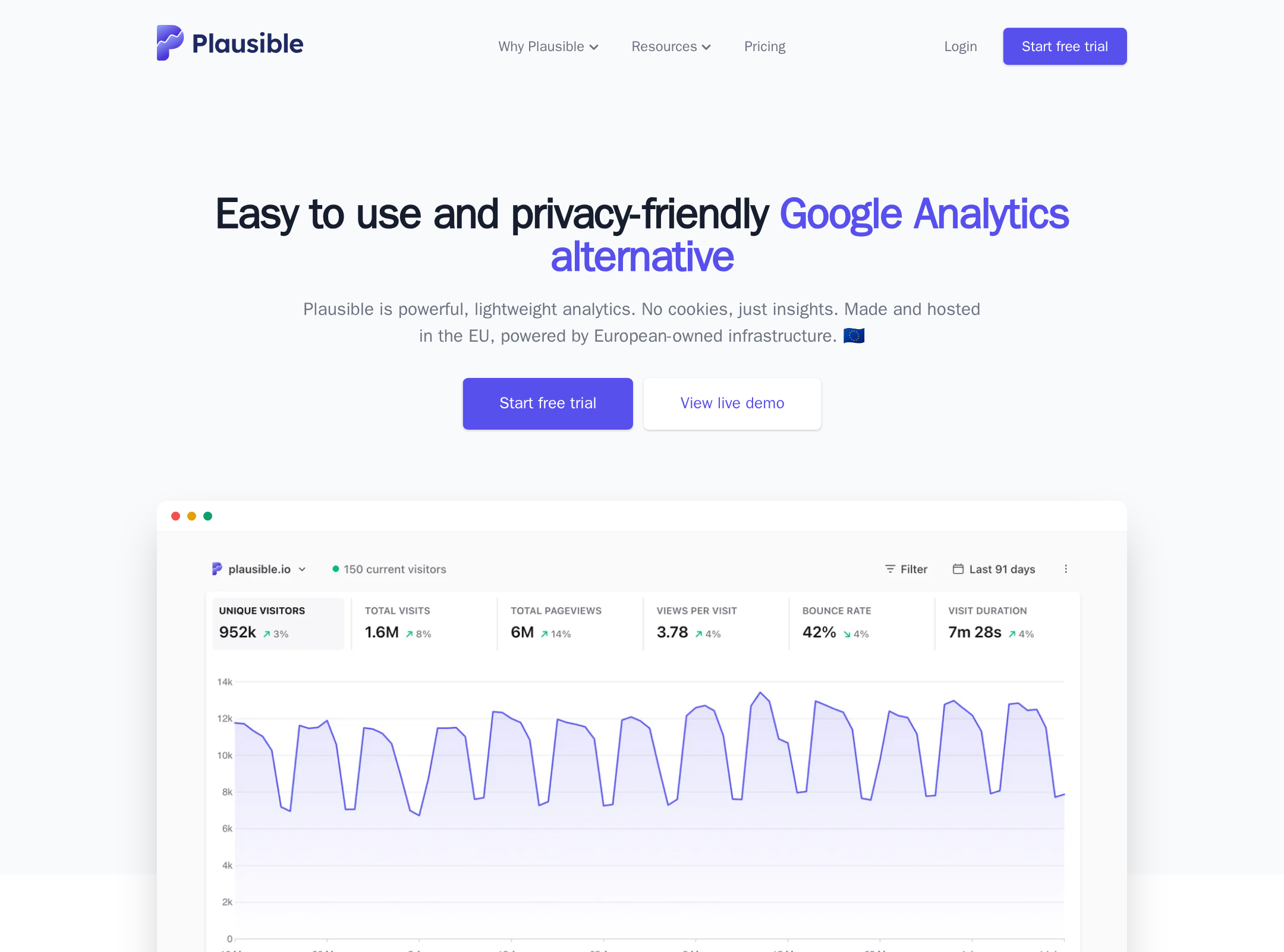
A strong and distinctive portfolio presentation with excellent visual discipline. It is suitable for gallery inclusion, with structural heading and duplicate-ID issues requiring technical cleanup.
Best practices
The page has a clear portfolio structure, direct contact information, strong contrast samples, and descriptive project links. Semantic and accessibility details prevent a higher score.
What works
- The purpose is immediately clear through the prominent work heading and project gallery.
- Navigation, project links, service categories, and contact information are all discoverable.
- The automated contrast evidence reports no sampled contrast failures.
- Project links include descriptive project names rather than generic calls to action.
Opportunities
- Add a proper level-one heading that identifies the portfolio or designer.
- Remove duplicate IDs reported in the navigation or related controls.
- Verify image alternative text for every project preview and decorative illustration.
- Test focus states, keyboard navigation, and responsive layouts beyond the supplied desktop capture.
Design
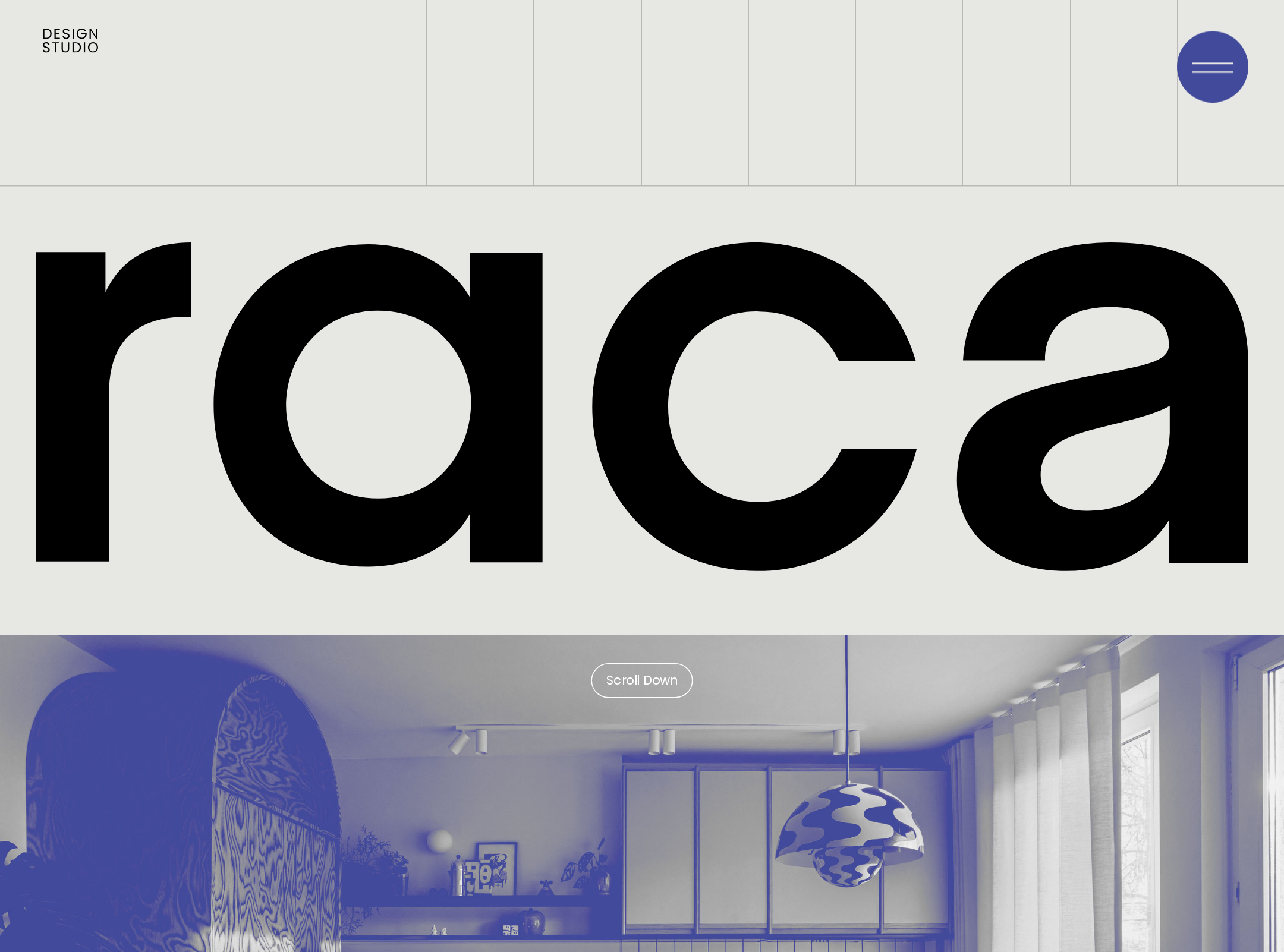
A polished editorial portfolio with strong typographic hierarchy, disciplined spacing, and a coherent monochrome interface that allows the work to lead.
What works
- The oversized hero typography creates a memorable first impression.
- The modular grid makes a varied body of work easy to scan.
- The restrained interface prevents navigation and metadata from competing with project imagery.
- The transition from light portfolio sections to a dark contact footer gives the page a satisfying visual conclusion.
Opportunities
- Create stronger visual prioritization between featured projects and supplementary work.
- Introduce more variation in project framing or supporting context where it clarifies each project’s role.
- Refine the introductory statement so it communicates a more specific point of view or client value.
Uniqueness
The site feels authored through its oversized work index, precise editorial grid, and integration of discipline diagrams. Its restraint is distinctive, although the broader visual language remains familiar within contemporary design portfolios.
What works
- The oversized WORK treatment functions as a recognizable graphic device.
- The combination of project cards and discipline panels communicates both output and capability.
- The small geometric illustrations reinforce the design-research character of the practice.
Opportunities
- Use a more distinctive case-study signal, such as outcomes, process fragments, or collaborators, to deepen differentiation.
- Develop a stronger narrative relationship between the project imagery and the discipline categories.
User experience
The information architecture is straightforward and the scan path is effective, but semantic heading issues and unverified responsive behavior limit confidence in the experience across users and devices.
What works
- Visitors can move from introduction to selected work, capabilities, additional work, and contact without unnecessary detours.
- Project titles and compact metadata support quick portfolio scanning.
- The contact footer repeats the invitation and email address in a prominent closing position.
Opportunities
- Correct the missing level-one heading and duplicate IDs to improve assistive-technology navigation.
- Confirm that all project cards have clear focus and hover states that do not depend on motion alone.
- Validate the two-column gallery and footer at narrow widths, including text wrapping and touch targets.
- Consider adding a short role or service summary near the opening for visitors who do not already know the designer’s work.
Conversion optimization
For a personal design portfolio, the page establishes credibility through selected work and ends with an unusually clear contact invitation. Conversion could improve through stronger proof and more explicit project context.
What works
- The contact prompt is direct, human, and repeated with a visible email address.
- The work appears before the final contact request, allowing visitors to evaluate visual capability first.
- The categories communicate a broad but coherent service range.
Opportunities
- Add concise project descriptors that explain the challenge, contribution, or result behind each featured case study.
- Make the primary contact route more prominent earlier in the page for visitors ready to inquire.
- Clarify whether the work is available for freelance, studio, or collaboration engagements.
- Use selected project ordering to foreground the strongest or most relevant work for prospective clients.
What we'd improve
- 01high
Repair document semantics and identifiers
Add one descriptive level-one heading for the page and remove or uniquely scope the duplicate IDs reported by automated inspection. Recheck the accessibility tree afterward.
- 02high
Verify project media accessibility
Review every project preview for meaningful alternative text, and mark purely decorative diagram assets appropriately. Ensure project links remain understandable without relying on visual context.
- 03medium
Strengthen project decision-making
Add one short line of context to featured cards—such as role, deliverable, or outcome—so visitors can distinguish the projects before opening them.
- 04medium
Test responsive and keyboard behavior
Inspect the gallery, navigation, discipline panels, and footer at narrow widths and through keyboard navigation. Confirm visible focus states, stable image crops, and usable touch targets.
- 05low
Sharpen the opening proposition
Revise the introductory copy to state the designer’s specific approach and typical collaboration value, while preserving the current concise editorial tone.