

Guillermo's Folio website analysis
A detailed critique of the homepage's craft, originality, usability, and ability to move visitors toward its intended goal.
Our observations
A distinctive, publishable portfolio homepage with strong visual authorship and a memorable project-grid approach. It is more successful as an art-directed showcase than as a highly structured explanation of services, process, or outcomes.
Best practices
The page has a clear primary purpose, a single main landmark, strong contrast results in the supplied automated samples, and visible contact pathways. Semantic structure needs attention because no H1 was detected.
What works
- The portfolio purpose is immediately communicated through a substantial body of project work.
- The page includes a main landmark and direct contact and social links.
- Automated contrast testing reports zero failures across 31 sampled combinations.
- Project media is varied enough to demonstrate breadth across digital products, branding, commerce, and editorial work.
Opportunities
- Add one descriptive H1 that identifies Guillermo and the portfolio's professional focus.
- Expose clearer project titles, roles, and outcomes in accessible text rather than relying primarily on imagery.
- Verify keyboard focus visibility, meaningful link names, video controls, captions, and alternative text across the full page.
- Test media loading and long-page performance on mobile and slower connections.
Design
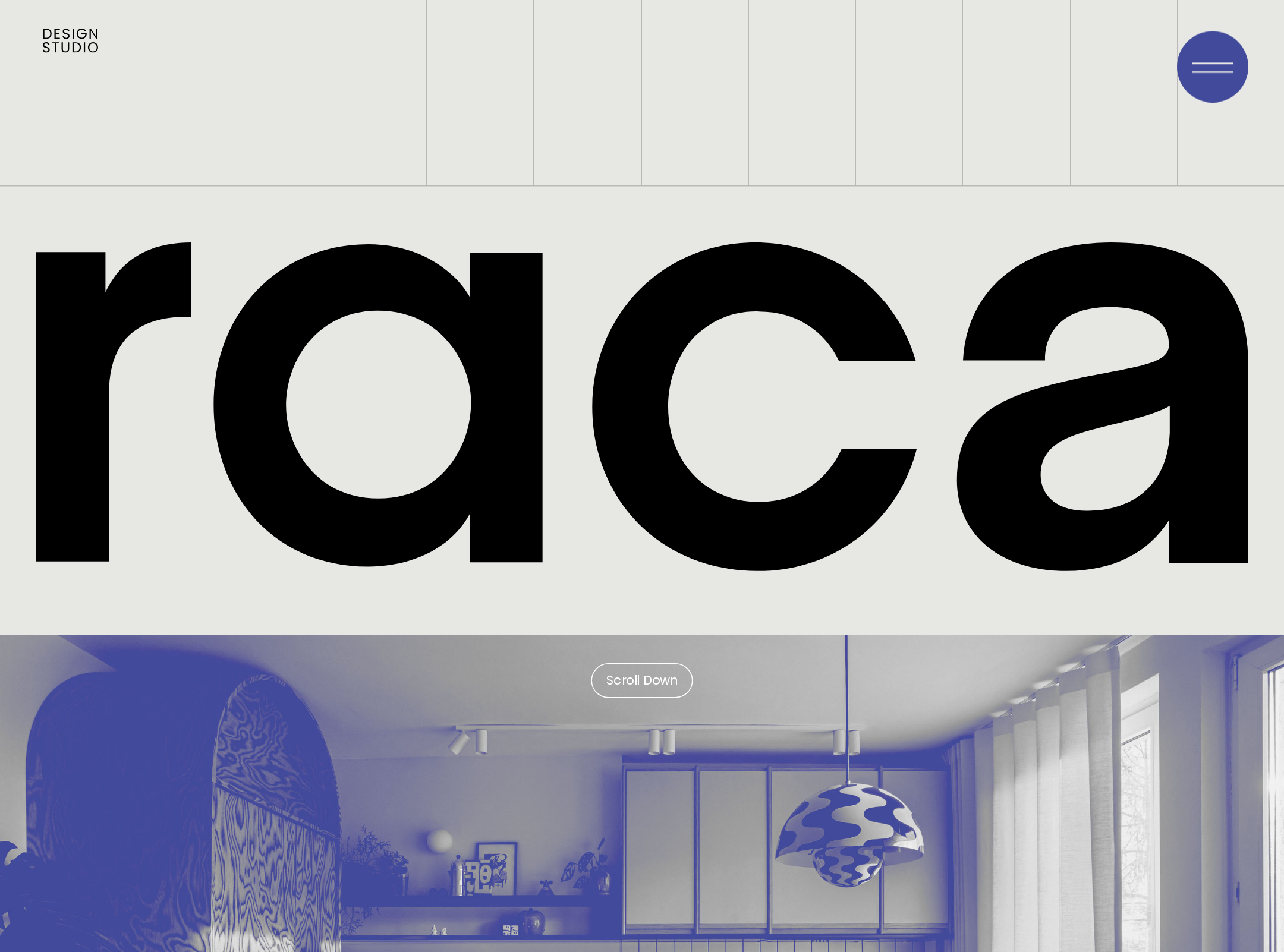
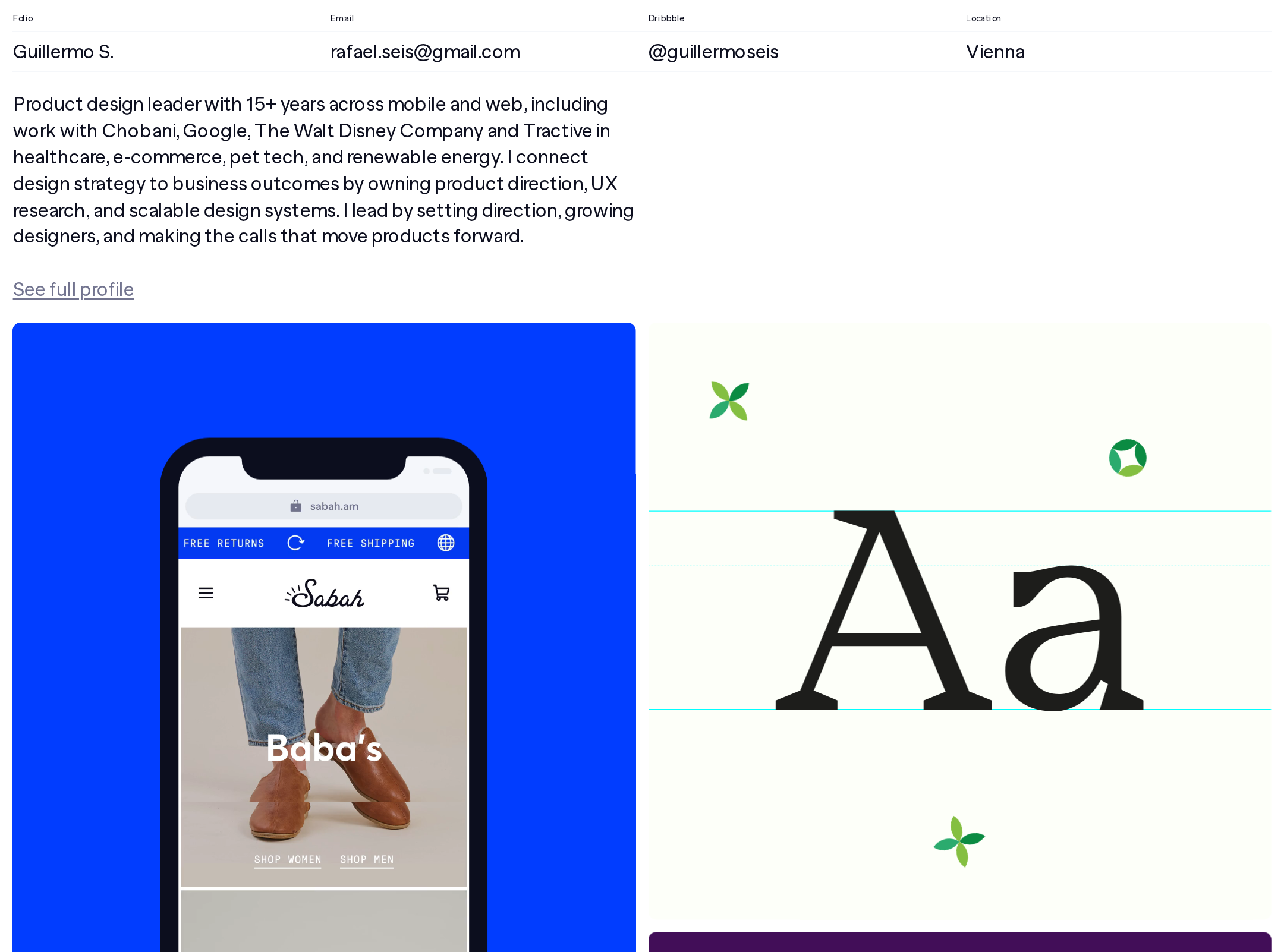
A confident, cohesive visual system turns a large body of varied work into an engaging editorial surface. The color choreography and media variety are especially effective.
What works
- The asymmetric grid creates energy without losing a recognizable overall structure.
- Deep navy, off-white, and saturated project colors create strong visual contrast and memorable transitions.
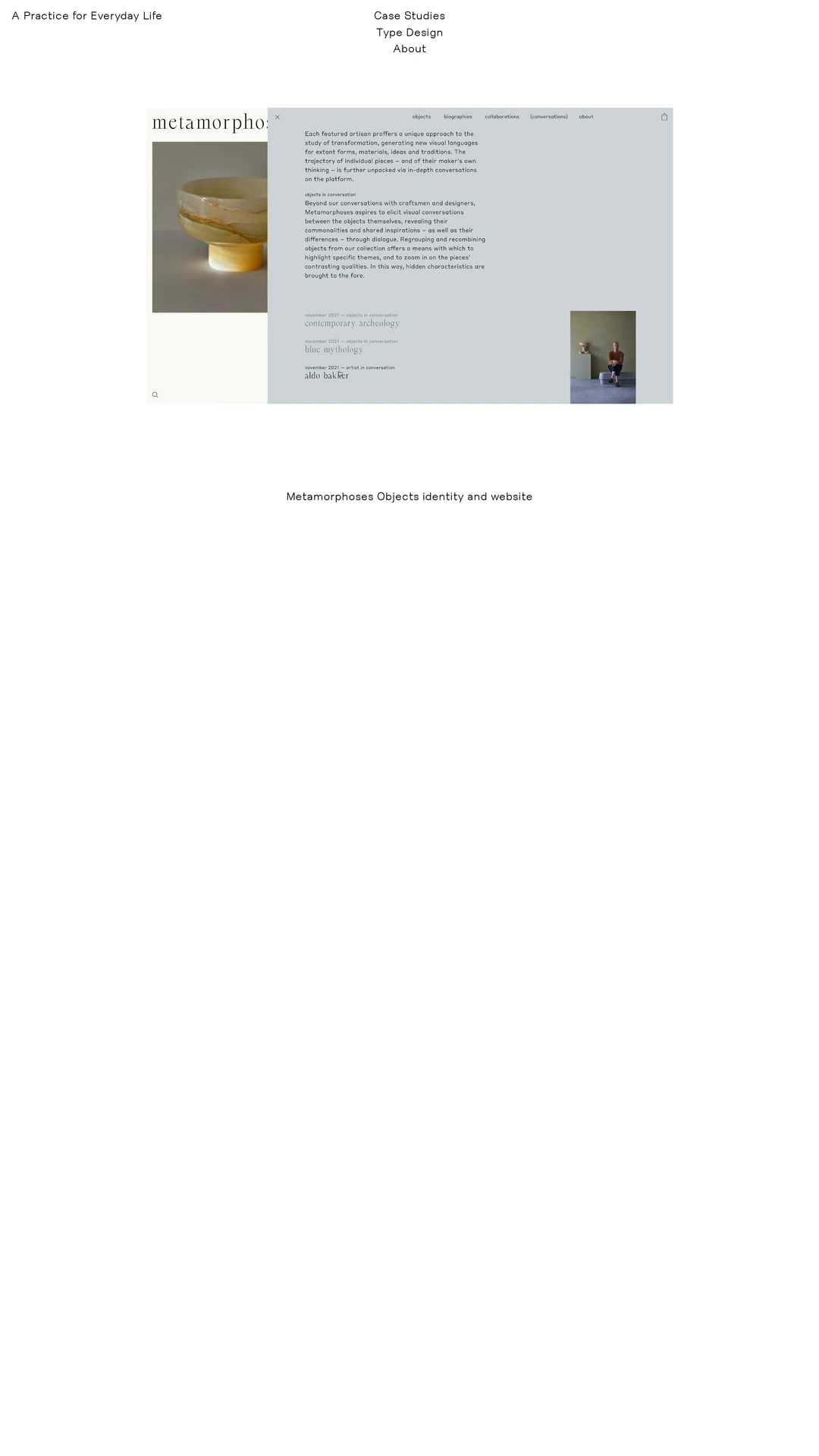
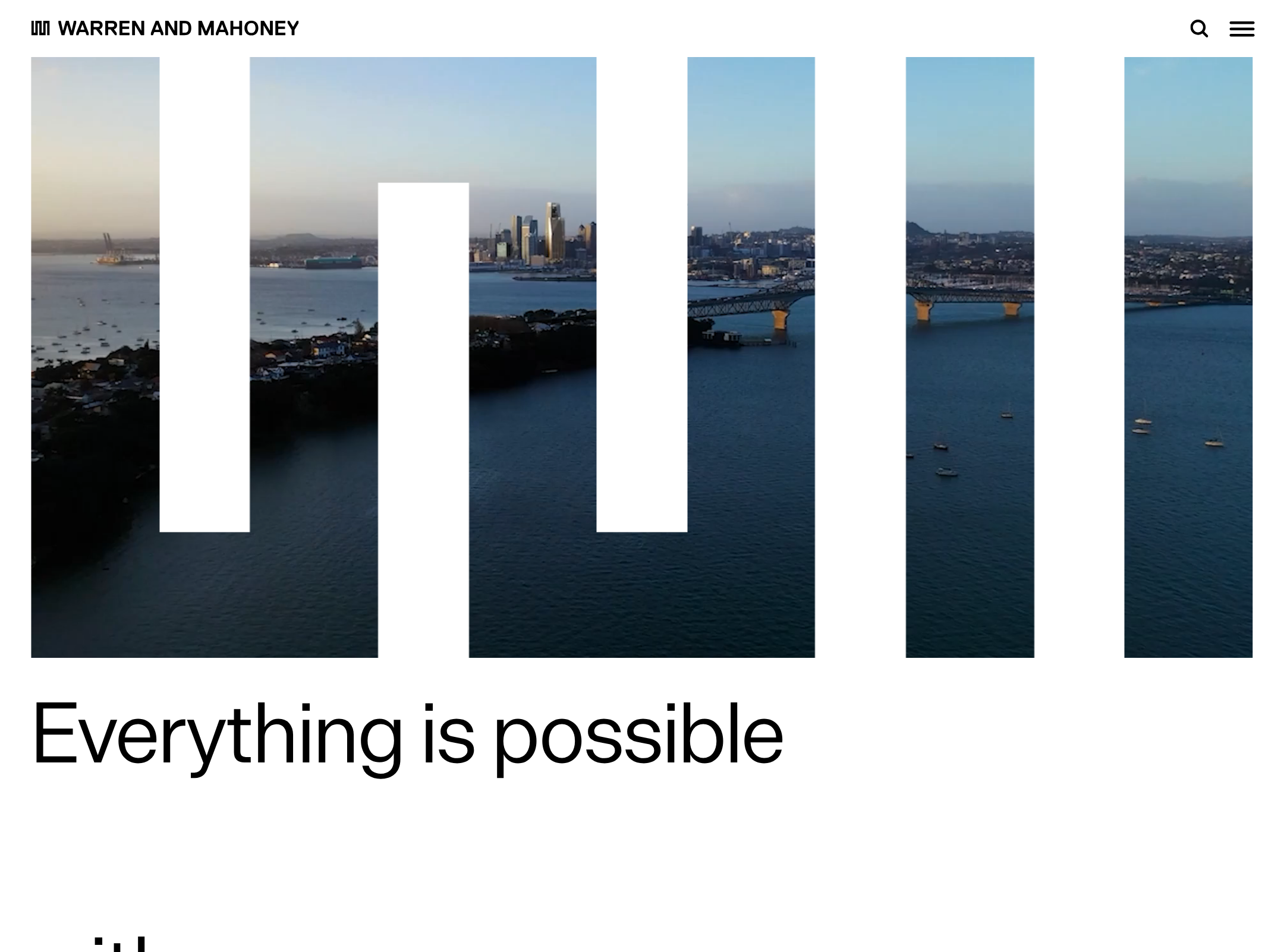
- The mix of product mockups, photography, illustration, motion, and typography communicates a broad design practice.
- Minimal borders and restrained treatment around media keep attention on the work itself.
Opportunities
- Introduce more consistent project metadata so the visual richness is paired with quick professional comprehension.
- Reserve the most saturated treatments for priority projects to create a clearer hierarchy.
- Ensure animated and video-heavy sections do not visually compete with the strongest portfolio pieces.
Uniqueness
The homepage has a strong authored identity and avoids the predictable presentation patterns of many designer portfolios. Its combination of colorful project worlds and editorial grid behavior is notably distinctive.
What works
- The varied tile system feels tailored to the work rather than assembled from generic portfolio cards.
- Small animated symbols, custom illustrations, and device compositions add personality.
- The page accommodates very different client categories without flattening them into one template.
Opportunities
- Make the author's point of view more explicit through a concise positioning statement or selected-project rationale.
- Use project grouping or labels to turn visual variety into a more legible narrative about the practice.
User experience
Browsing is visually rewarding, but the stream-like presentation places a substantial cognitive and scrolling burden on visitors who want to quickly evaluate expertise or find a particular type of work.
What works
- The visual preview system supports fast scanning and curiosity-driven exploration.
- Repeated linked tiles provide many opportunities to enter individual projects.
- The compact contact information is easy to locate near the top-level experience.
Opportunities
- Add visible categories, project labels, or a lightweight index for visitors with specific needs.
- Clarify whether tiles open case studies, external sites, or media experiences before interaction.
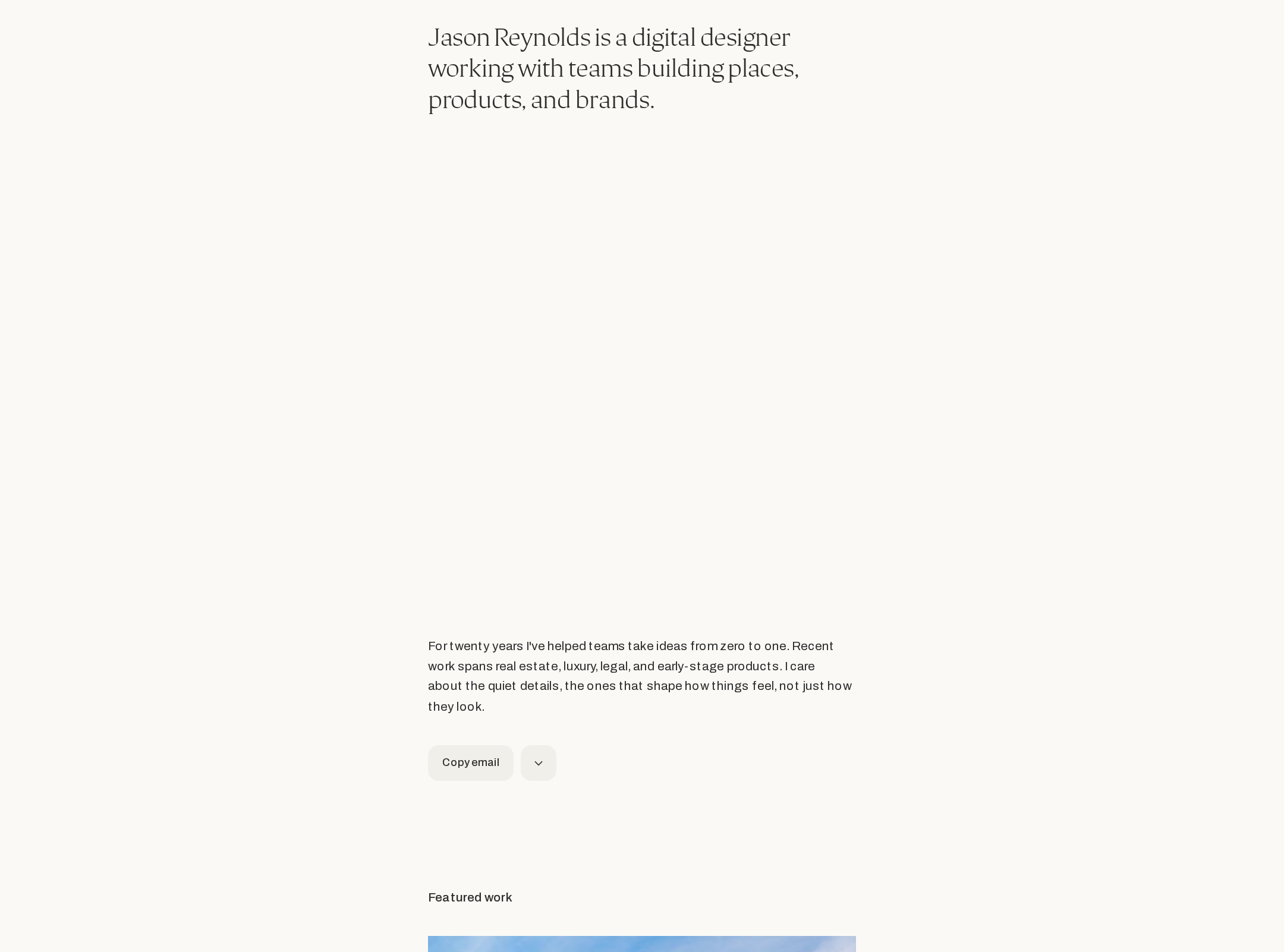
- Provide a stronger introductory summary of services, role, geography, and ideal collaborators.
- Check touch targets and hover-dependent information on mobile and keyboard interfaces.
Conversion optimization
For a personal portfolio, conversion means building confidence and prompting qualified contact. The page establishes credibility through breadth and craft, but the next step is less prominent than the work itself.
What works
- Direct email and social links reduce friction for prospective collaborators.
- The range of visible work supports credibility across several industries named in the supplied metadata.
- A profile link provides a route to more context about the designer.
Opportunities
- Add a specific primary invitation such as discussing a project, requesting availability, or viewing selected case studies.
- Place role, capabilities, and engagement context alongside the opening introduction rather than leaving visitors to infer them from the grid.
- Repeat a concise contact prompt after the main project sequence, not only in the header or footer.
- Highlight two or three flagship projects with outcomes, responsibilities, and client context.
What we'd improve
- 01high
Restore a clear semantic page hierarchy
Add a single descriptive H1 near the introduction, then organize the portfolio and profile content with meaningful heading levels. The supplied audit detects zero H1 elements despite otherwise strong landmark and contrast results.
- 02high
Improve project orientation
Give each project a consistently visible or accessible title, category, role, and short outcome. Add a compact index or filter if the portfolio continues to grow, so visitors do not need to rely on extended scrolling.
- 03high
Strengthen the opening conversion path
Rewrite the introductory area to state who Guillermo helps, what services he provides, and what action prospective clients should take. Pair the profile link with a clear project or availability CTA.
- 04medium
Make motion inclusive and purposeful
Verify that videos and animated elements pause appropriately, respect prefers-reduced-motion, expose equivalent information in text, and do not create excessive distraction or loading cost.
- 05medium
Document case-study value, not only visual craft
For selected projects, surface the problem, contribution, and measurable or observable result. This would convert the strong visual showcase into stronger evidence of consulting and design expertise.
- 06low
Validate mobile and touch behavior
Test the paired grid, hover-based previews, link targets, image cropping, and long-scroll performance at narrow widths and with touch or keyboard input.