Nils Helmersson • Product Designer website analysis
A detailed critique of the homepage's craft, originality, usability, and ability to move visitors toward its intended goal.
Our observations
A strong, publishable product-design portfolio with excellent restraint and a credible project-led structure. Its main opportunities are accessibility refinement, stronger case-study depth, and clearer interaction affordances for the project gallery.
Best practices
The page has a single main heading, a coherent semantic content structure, descriptive media labels, a direct email contact, and no duplicate IDs. Automated evidence also identifies one heading-level skip and 12 text-contrast failures among 61 samples.
What works
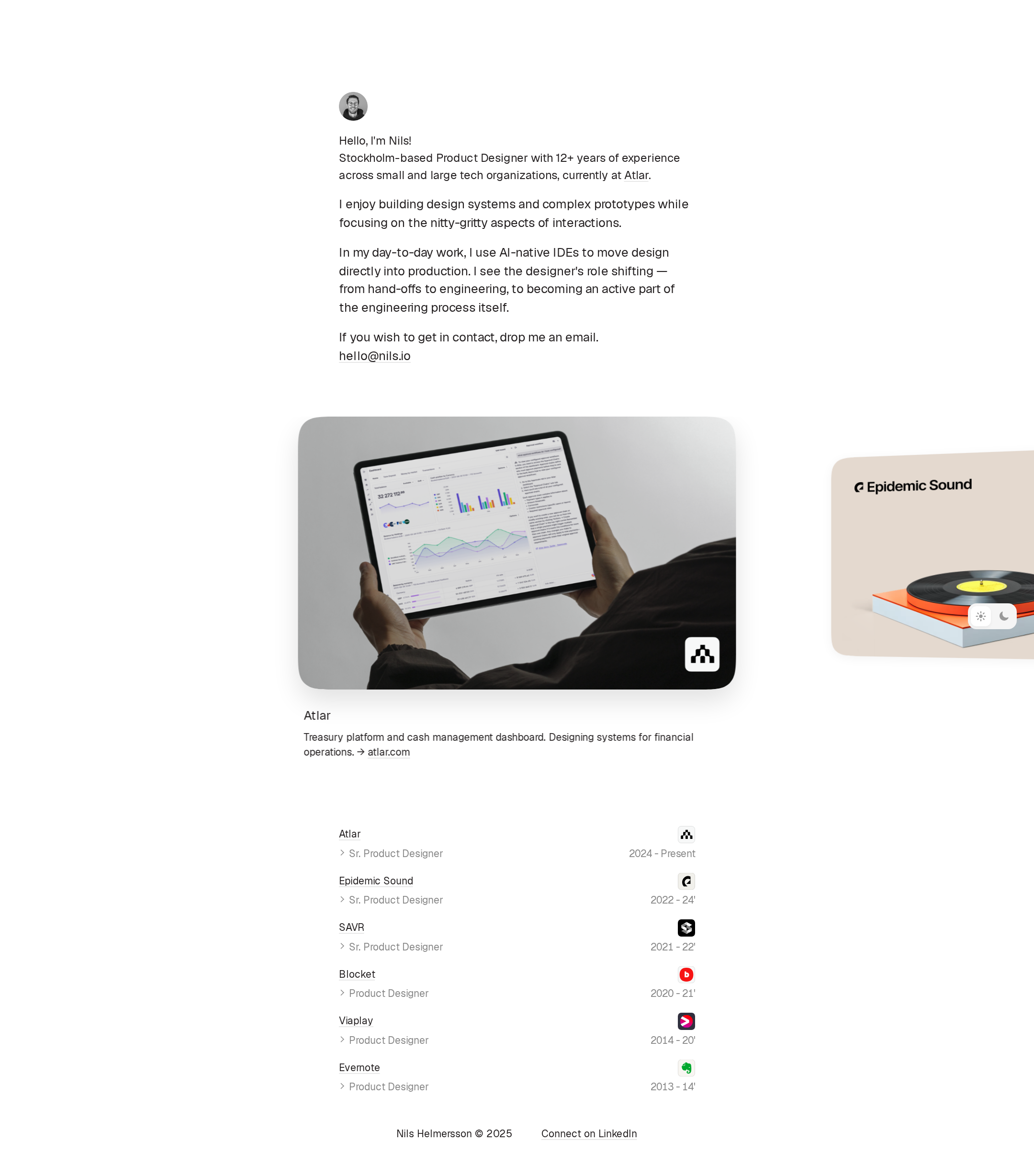
- Clear introduction identifies the person, location, role, experience, and current employer.
- The page exposes both selected work and a detailed employment history.
- A direct email link and LinkedIn link provide practical contact paths.
- The layout is uncluttered and avoids unnecessary interface complexity.
Opportunities
- Correct the heading hierarchy so project and company headings follow the document structure.
- Increase contrast for muted experience dates and role metadata; automated checks flagged 12 contrast failures.
- Verify focus states, keyboard access, and accessible labeling for the carousel and theme controls.
- Test the wide gallery and fixed controls at mobile widths and with zoom.
Design
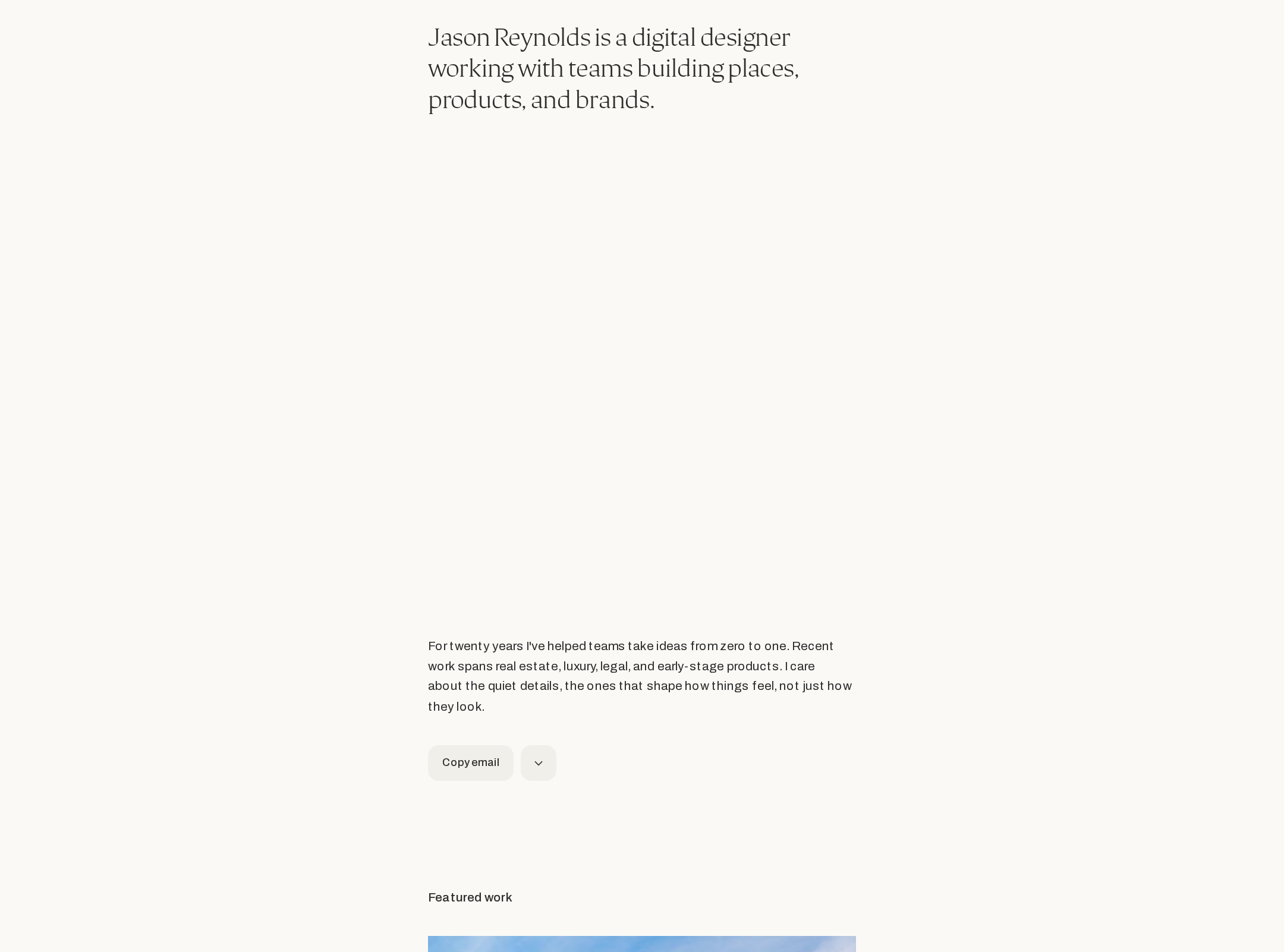
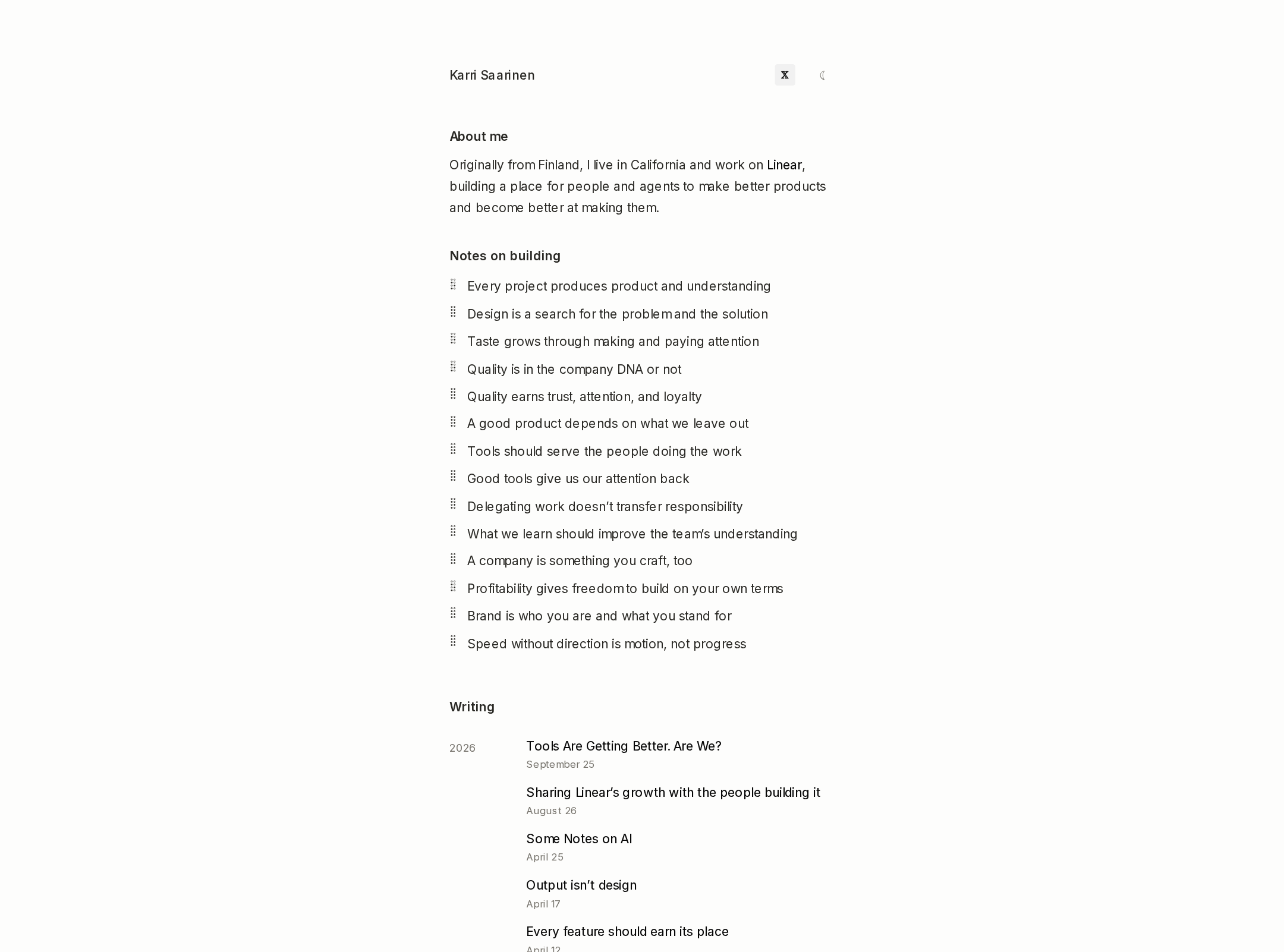
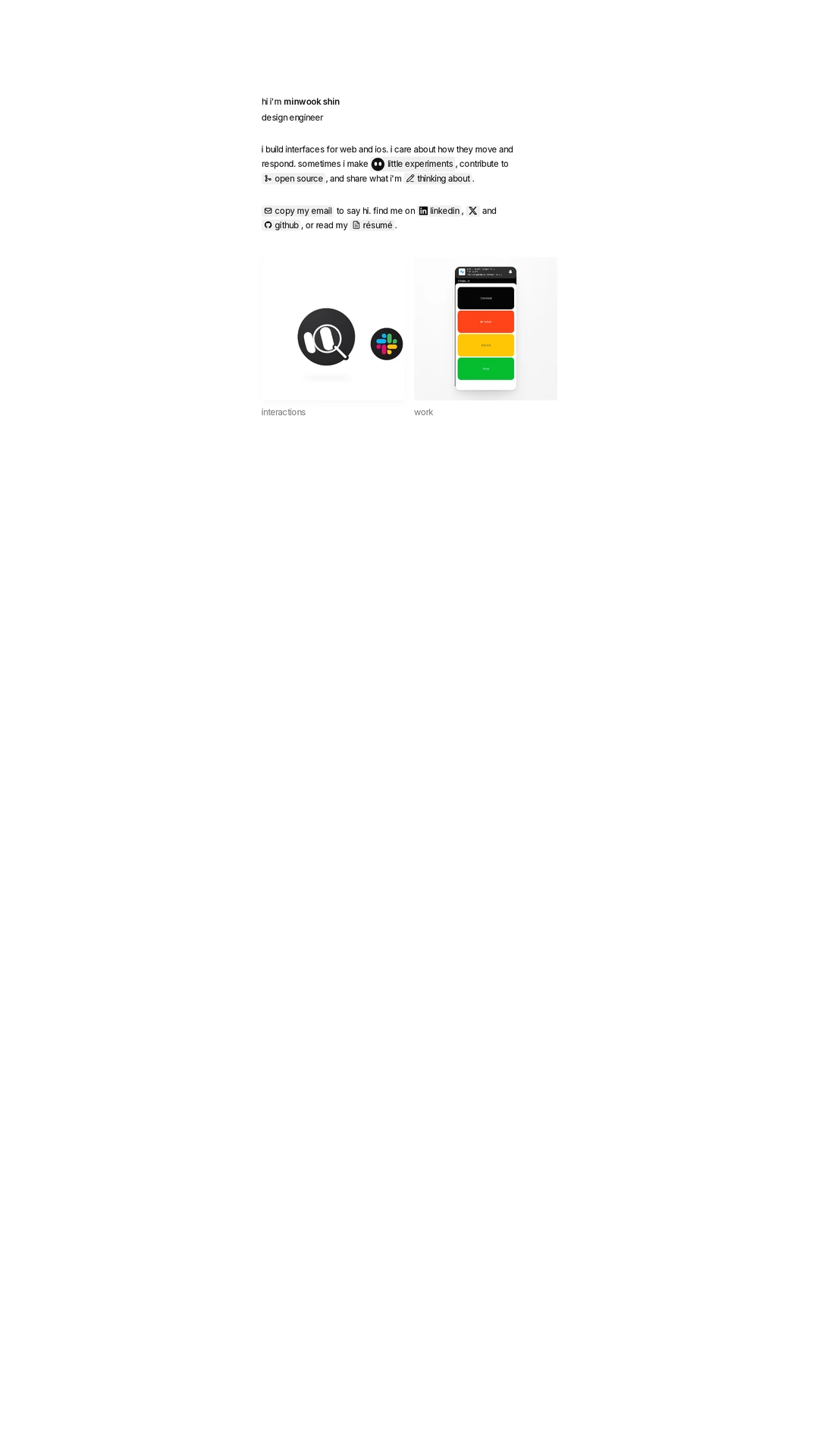
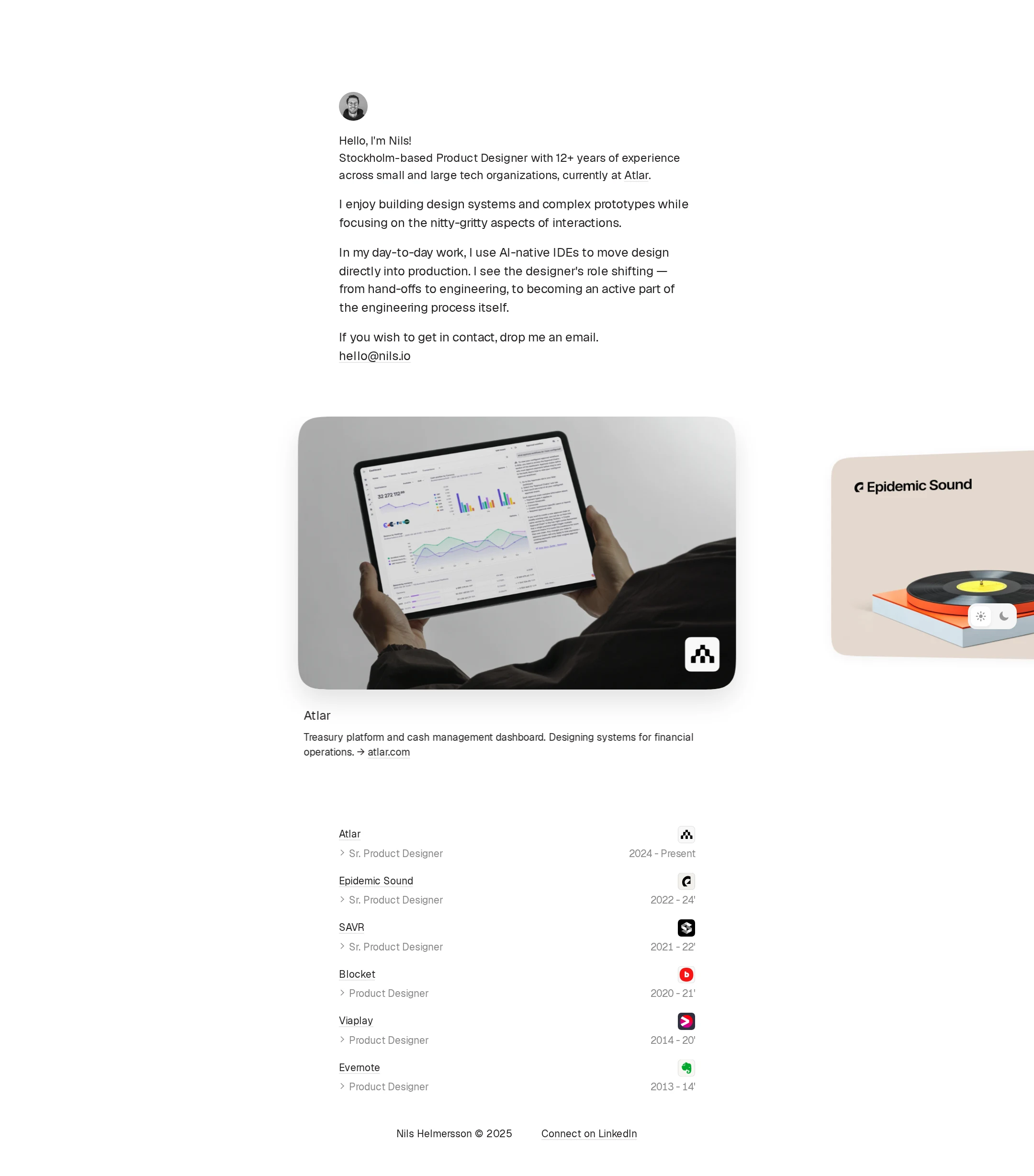
A highly coherent minimalist portfolio that uses proportion, whitespace, and imagery effectively. The restrained system supports the work rather than competing with it.
What works
- Strong visual hierarchy from portrait and introduction to active project and experience list.
- Large rounded project imagery creates a clear focal point without requiring decorative complexity.
- Consistent typography, spacing, and neutral surfaces produce a composed editorial feel.
- The partially visible neighboring cards communicate that additional work is available.
Opportunities
- The introduction is text-heavy relative to the visual simplicity of the rest of the page; a more deliberate typographic distinction could improve scanning.
- Project descriptions are brief, so the visual polish is stronger than the explanatory depth.
- The experience section is visually subdued and could use slightly clearer grouping or interaction cues.
Uniqueness
The execution is distinctive through its quiet, image-forward portfolio composition and unusual balance between a narrow editorial profile and an expansive project carousel. The individual ingredients remain familiar within contemporary designer portfolios.
What works
- The active-card-plus-adjacent-cards arrangement gives the homepage a recognizable browsing identity.
- Combining a personal manifesto, selected work, and expandable career history feels more considered than a standard project grid.
- The subdued visual treatment lets real product imagery and company marks carry the personality.
Opportunities
- Add more explicit project outcomes, decisions, or personal contributions to make the work less dependent on employer recognition.
- A stronger signature device in the project storytelling could further distinguish the portfolio without compromising restraint.
User experience
The content order is intuitive and the reading experience is calm, but the project gallery's interaction model is not fully clear from the supplied screenshot and metadata. Automated accessibility findings materially affect the otherwise strong usability.
What works
- Visitors encounter identity and professional positioning before browsing work.
- The active project includes a title, short description, and external link.
- The experience list provides a fast overview while preserving room for deeper detail.
- The fixed theme control is compact and visually unobtrusive.
Opportunities
- Make carousel navigation, current position, and available project actions explicit to keyboard and screen-reader users.
- Avoid relying on partially visible cards alone as the signal that more projects exist.
- Improve muted text contrast and confirm readable states in both light and dark themes.
- Ensure expanded experience details have clear affordances and predictable focus behavior.
Conversion optimization
For a personal portfolio whose primary conversion is professional contact or referral, the page performs well through early credibility and a visible email address. It could do more to turn project interest into qualified conversations.
What works
- The contact invitation and email address appear before the project gallery, reducing friction for a visitor already interested.
- Current role, years of experience, named employers, and recognizable products establish credibility quickly.
- Project links allow visitors to continue into related company or product contexts.
Opportunities
- Add a more explicit closing invitation describing the types of roles, collaborations, or problems the designer is open to.
- Give selected projects a dedicated case-study path with outcomes, responsibilities, and process evidence.
- Repeat a contact action after the work and experience sections for visitors who decide later.
- Clarify whether project links lead to case studies, external product pages, or employer sites.
What we'd improve
- 01high
Repair contrast and heading structure
Raise the contrast of experience dates, role labels, and other muted metadata, then replace the level-three project headings with a logically nested hierarchy beneath the page title.
- 02high
Make the carousel independently understandable
Provide visible previous/next controls or an equivalent clear interaction pattern, announce the active project and total count accessibly, and verify keyboard focus order and touch behavior.
- 03medium
Strengthen project evidence
Add concise case-study links or expandable summaries covering the designer's responsibility, key decisions, and measurable or observable outcomes for each featured project.
- 04medium
Add a later-stage contact prompt
Place a concise collaboration or hiring prompt near the end of the experience section so visitors do not need to return to the introduction to contact Nils.
- 05low
Validate responsive and reduced-motion states
Test narrow screens, zoom, dark mode, keyboard navigation, and prefers-reduced-motion behavior, since the supplied evidence does not establish these states.