Screen Scene website analysis
A detailed critique of the homepage's craft, originality, usability, and ability to move visitors toward its intended goal.
Our observations
Publish: a visually assured and distinctive homepage whose typographic navigation is strong enough for a curated design gallery, with accessibility and content-discovery improvements recommended.
Best practices
The page has a clear heading structure, strong measured contrast, and a focused set of destinations. Accessibility evidence is generally positive, but one serious missing accessible name and the absence of a main landmark reduce confidence.
What works
- One H1 and no detected heading skips provide a coherent document hierarchy.
- All sampled color combinations pass the automated contrast checks.
- The page avoids visual clutter and gives the primary service destinations immediate prominence.
Opportunities
- Give the logo link an explicit accessible name; the automated evidence flags this as a serious issue.
- Add a semantic main landmark around the primary page content.
- Verify keyboard focus visibility, menu semantics, overlay dismissal, and touch target sizing in the interactive navigation.
- Provide and test a reduced-motion experience rather than relying on fade and transition behavior without a verified preference alternative.
Design
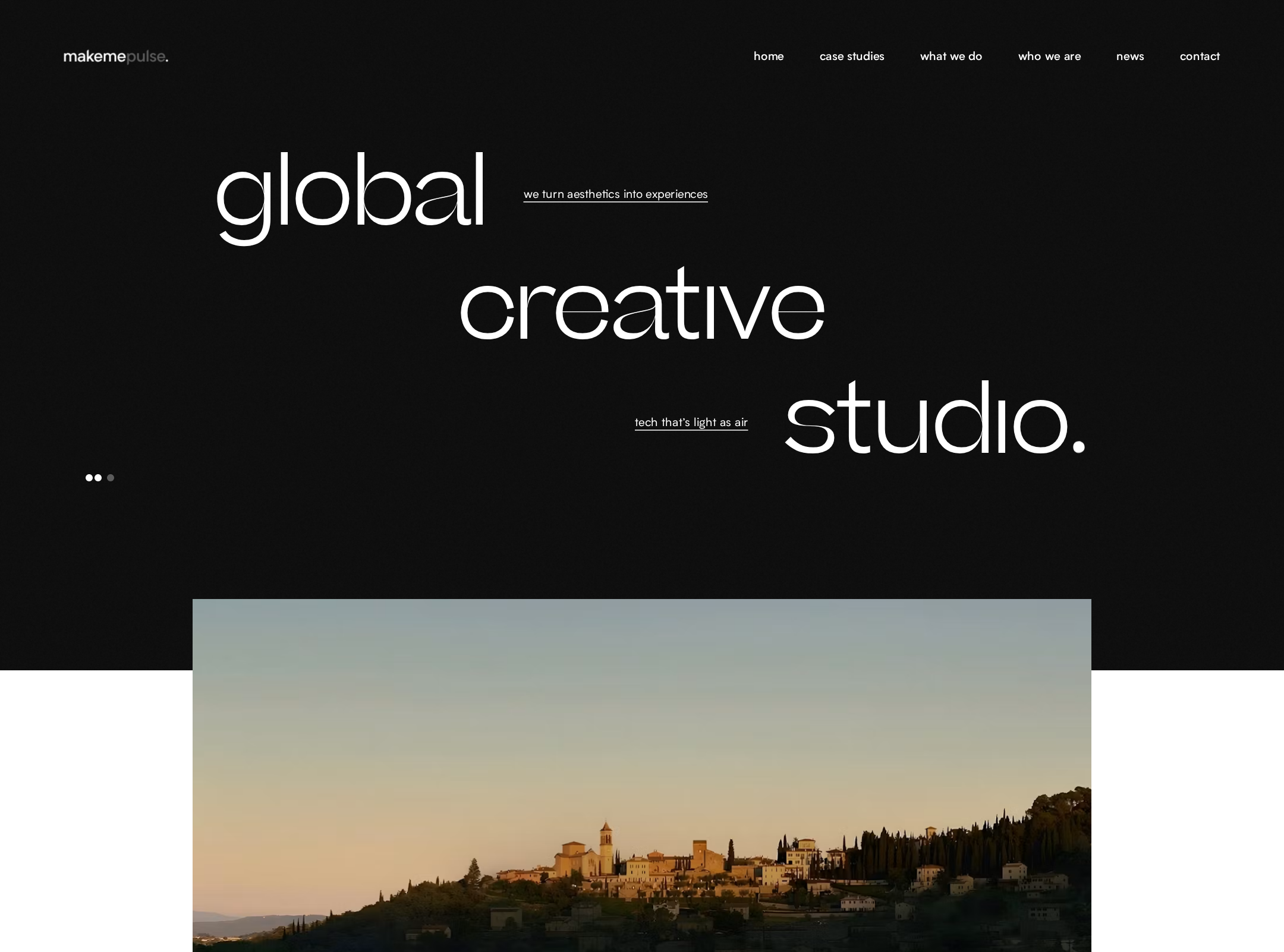
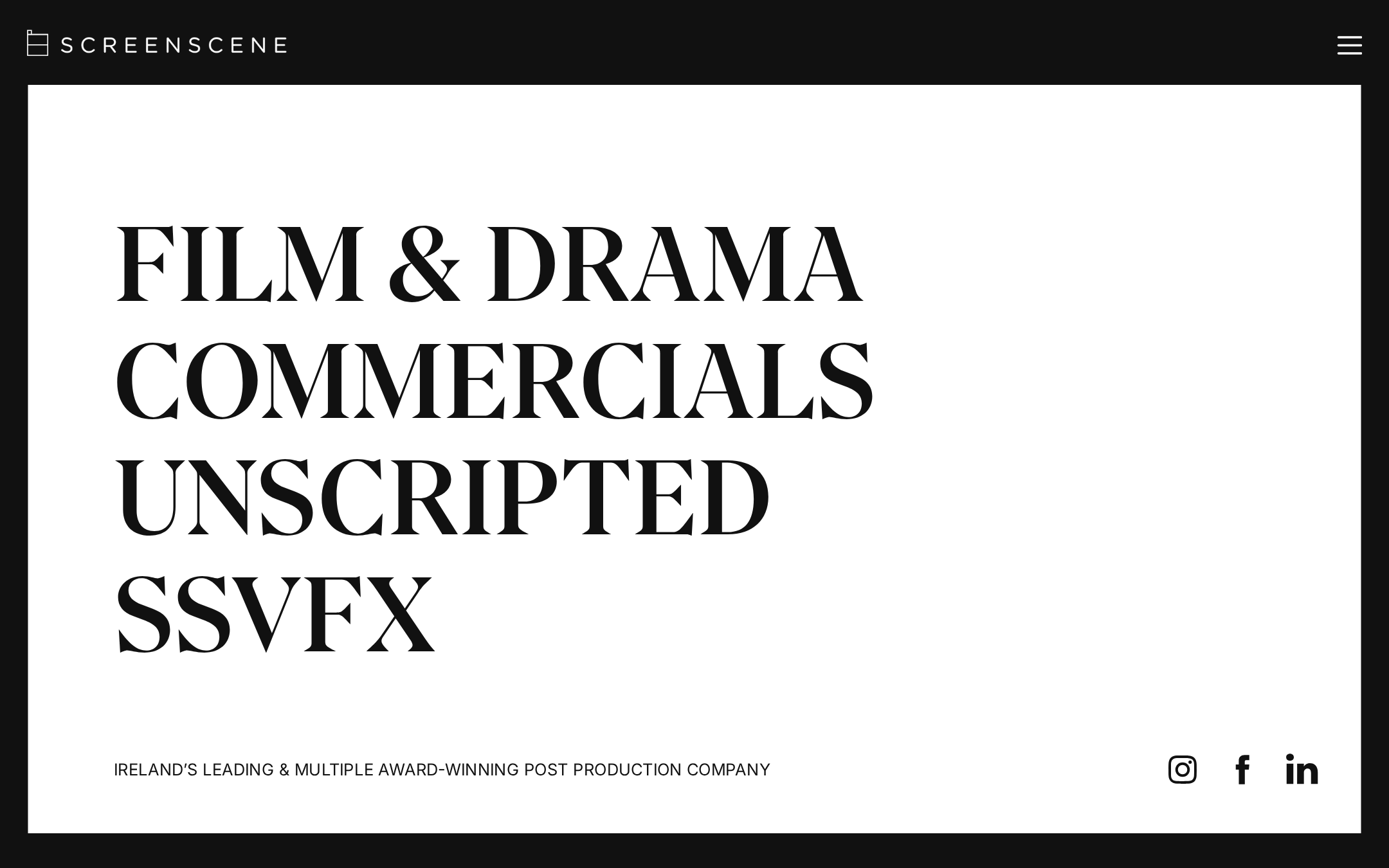
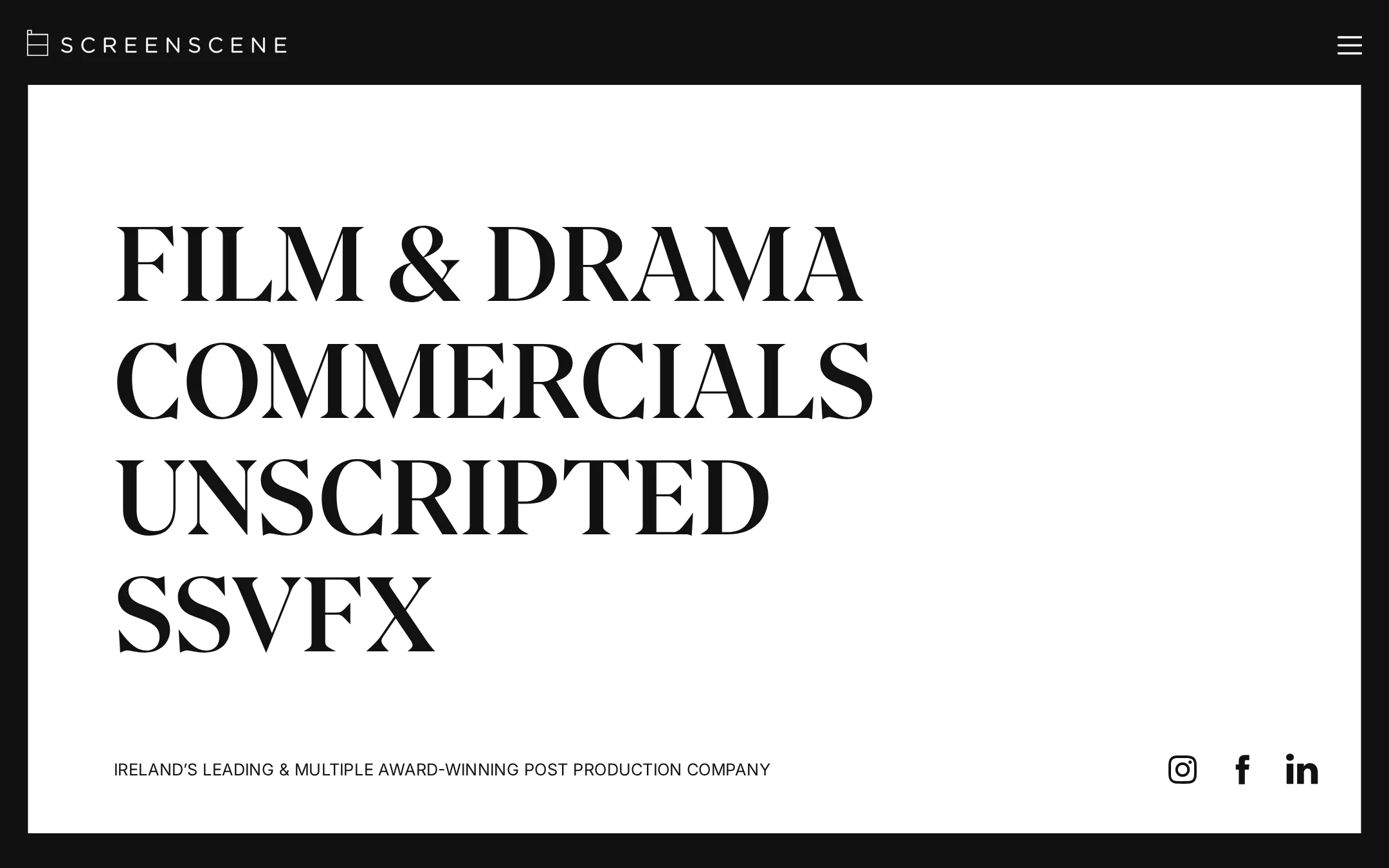
The composition is highly controlled and commercially credible, using scale, contrast, and typographic restraint instead of decorative effects.
What works
- The oversized service labels create an immediately recognizable visual signature.
- The dark header and white content field establish a strong frame-within-a-frame composition.
- The supporting claim and social links are visually subordinate but still easy to locate.
- The monochrome palette and serif/sans pairing are well matched to a cinematic creative-services context.
Opportunities
- Introduce carefully selected portfolio imagery, project credits, or reel cues so the first view demonstrates craft as well as categorizes services.
- Review the amount of empty space on very wide screens to ensure the composition feels intentional across viewport sizes.
- Make the active, hover, and focus states visibly expressive without disturbing the minimalist system.
Uniqueness
The page stands apart from common agency homepages by making service navigation itself the hero rather than leading with a video reel, case-study grid, or promotional statement.
What works
- The typographic scale and editorial serif treatment form a memorable brand impression.
- The stark frame and minimal control set feel deliberate and specific to a screen-focused company.
- The service taxonomy is communicated in a visually unconventional but understandable way.
Opportunities
- Extend the typographic concept into project storytelling or motion-led transitions so the distinctive opening is supported throughout the experience.
- Add a proprietary visual cue tied to the company’s post-production process rather than relying exclusively on type and monochrome contrast.
User experience
The visible hierarchy is clear, but the sparse opening view and menu-led information architecture may make exploration less immediate for first-time visitors.
What works
- The four service destinations are easy to scan and appear to be the central interaction model.
- The concise supporting heading explains the business purpose without creating a long reading burden.
- Social destinations are available without overwhelming the service navigation.
Opportunities
- Make the menu control’s purpose and open state explicit to assist keyboard, screen-reader, and touch users.
- Expose a small amount of portfolio, client, awards, or process context on the homepage to reduce uncertainty before users navigate deeper.
- Confirm that the large service labels remain comfortably readable and operable at mobile widths.
- Ensure the external-link indicator is paired with meaningful accessible text rather than relying on the icon alone.
Conversion optimization
For a creative-services homepage, the page succeeds as a brand introduction and routing surface, but it provides limited visible proof and no prominent enquiry path in the supplied view.
What works
- The service categories map directly to likely visitor intents and can support efficient self-selection.
- The quality of the presentation communicates confidence and specialization before any detailed copy is read.
- The compact structure reduces competing calls to action.
Opportunities
- Add a clearly discoverable contact or project-enquiry route near the primary service navigation.
- Surface selected work, recognizable credits, or a showreel invitation to turn visual confidence into evidence of capability.
- Clarify the next step after each service category, such as viewing relevant work or starting an enquiry.
- Use the supporting line as a concise value proposition while keeping the visual restraint intact.
What we'd improve
- 01high
Repair the logo link’s accessible name
Add an explicit accessible label or equivalent meaningful text to the logo link, then verify the result with a screen reader and keyboard navigation.
- 02high
Strengthen first-view proof of expertise
Introduce a restrained portfolio cue—such as one featured project, reel entry point, or rotating credit—within or immediately after the opening panel so visitors can assess capability without hunting through the menu.
- 03high
Add a direct enquiry pathway
Provide a visible contact or project-enquiry destination in the header, menu, or lower edge of the hero, with a clear label that complements the four service categories.
- 04medium
Formalize the menu interaction model
Verify focus management, expanded-state announcements, escape-to-close behavior, focus return, and visible focus styling for the fixed navigation overlay across desktop and mobile.
- 05medium
Test motion preferences and responsive typography
Respect the user’s reduced-motion preference and test the large service labels, navigation overlay, social controls, and spacing at narrow and extra-wide viewports.
- 06low
Extend the editorial system into case studies
Carry the restrained serif/sans hierarchy and monochrome framing into project pages while allowing selected work imagery to provide richer evidence of the studio’s craft.